

自分のアカウント
Fedibird
-nilab (@nilab@fedibird.com) - Fedibird
--https://fedibird.com/@nilab
-RSS
--https://fedibird.com/users/nilab.rss?limit=200
mstdn.jp
-nilab (@nilab@mstdn.jp) - mstdn.jp
--https://mstdn.jp/@nilab
-RSS
--https://mstdn.jp/users/nilab.rss?limit=200
Pawoo
-nilab (@nilab@pawoo.net) - Pawoo
--https://pawoo.net/@nilab
-RSS
--https://pawoo.net/users/nilab.rss?limit=200
Mastodon Social
-せっかく作ったけど Mastodon Social のアカウントは使わないかも・・・
-nilab (@nilabinfo@mastodon.social) - Mastodon
--https://mastodon.social/@nilabinfo
Mastodon Japan
-nilab (@nilab@mastodon-japan.net) - Mastodon Japan Server
--https://mastodon-japan.net/@nilab
-RSS
--https://mastodon-japan.net/users/nilab.rss?limit=200
記録
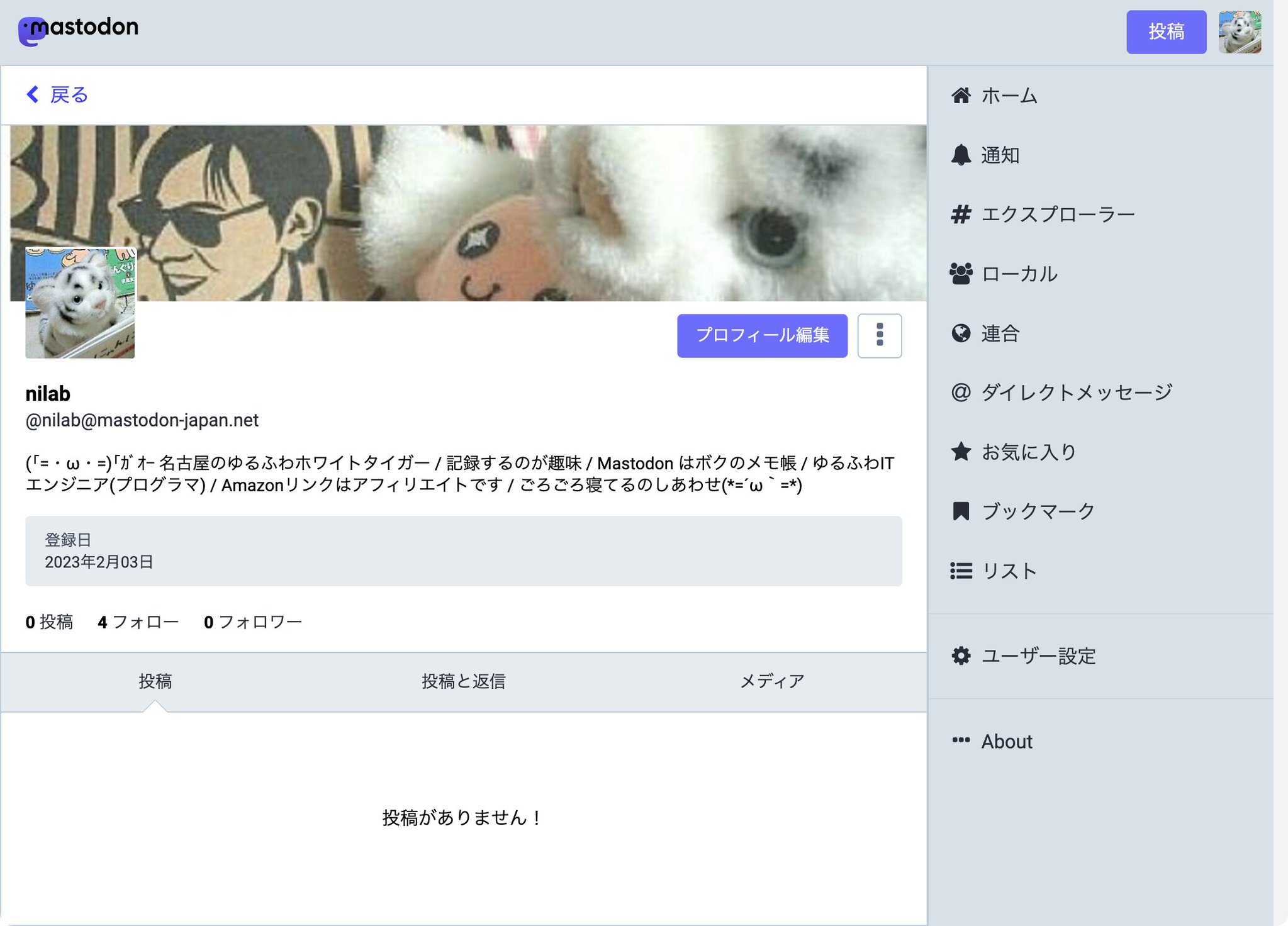
-nilog: マストドンのアカウントを作りました(*´ω`*) nilab (@nilab@mastodon-japan.net) - Mastodon Japan Server (2023-02-03)
--http://www.nilab.info/nilog/?type=twitter&id=1621514100919631879
--
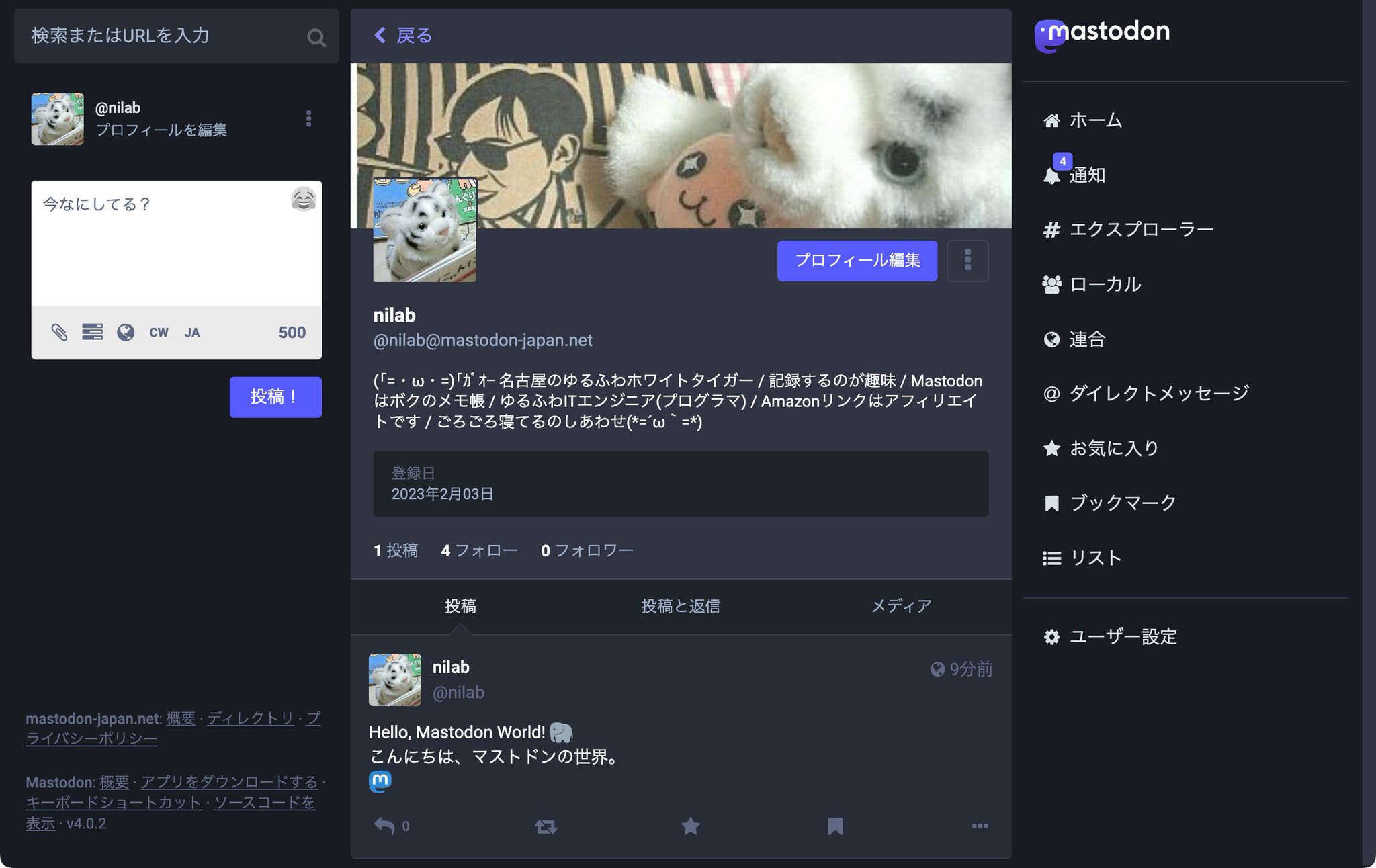
-nilog: Hello, Mastodon World! 🐘 こんにちは、マストドンの世界。 nilab (@nilab@mastodon-japan.net) - Mastodon Japan Server (2023-02-03)
--http://www.nilab.info/nilog/?type=twitter&id=1621517693617831937
--
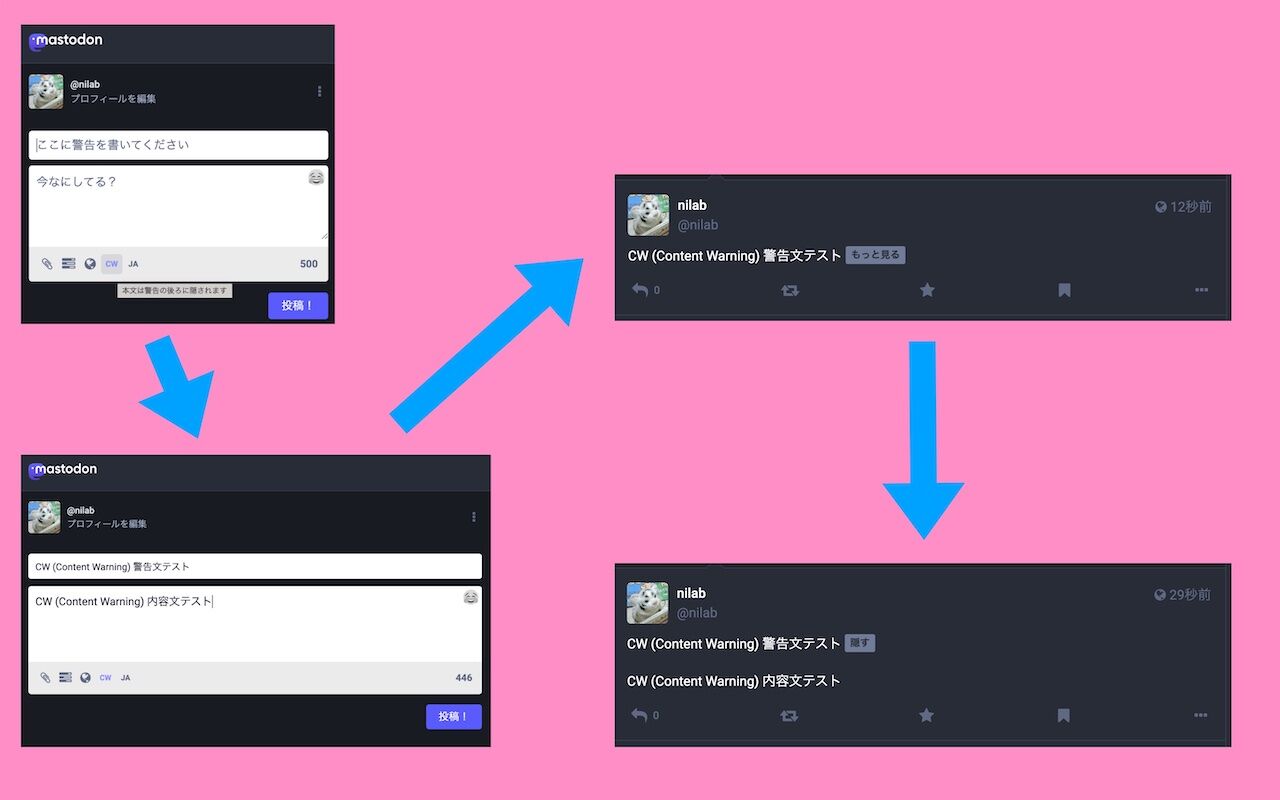
-nilog: CW (Content Warning) を有効にしたとき。 (2023-07-11)
--http://www.nilab.info/nilog/?type=m01&id=110694550908077917
--
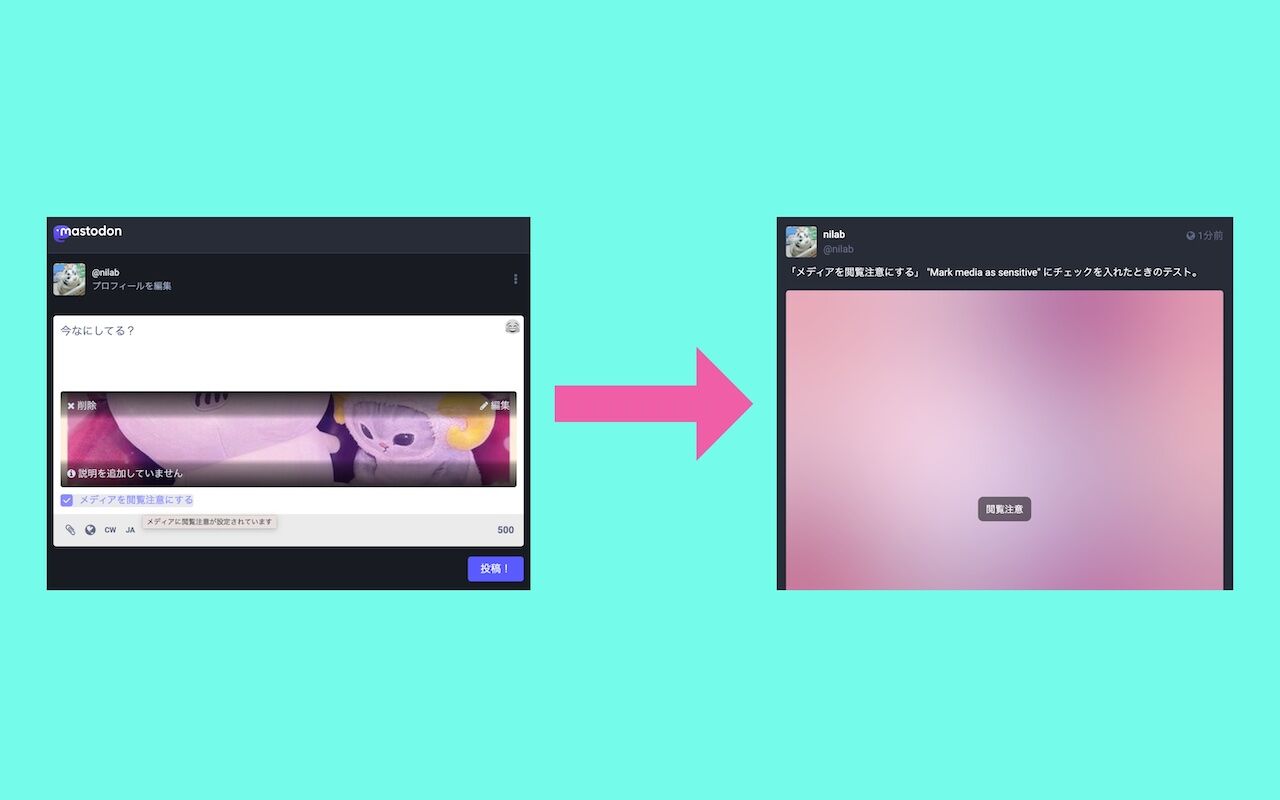
-nilog: 「メディアを閲覧注意にする」 "Mark media as sensitive" にチェックを入れたとき。 (2023-07-11)
--http://www.nilab.info/nilog/?type=m01&id=110694567236653317
--
-nilog: 画像付きトゥートで CW (Content Warning) を有効にすると「メディアを閲覧注意にする (Mark media as sensitive)」が自動的にチェックされる。チェックを外すことはできない。 (2023-07-11)
--http://www.nilab.info/nilog/?type=m01&id=110694588264966087
--
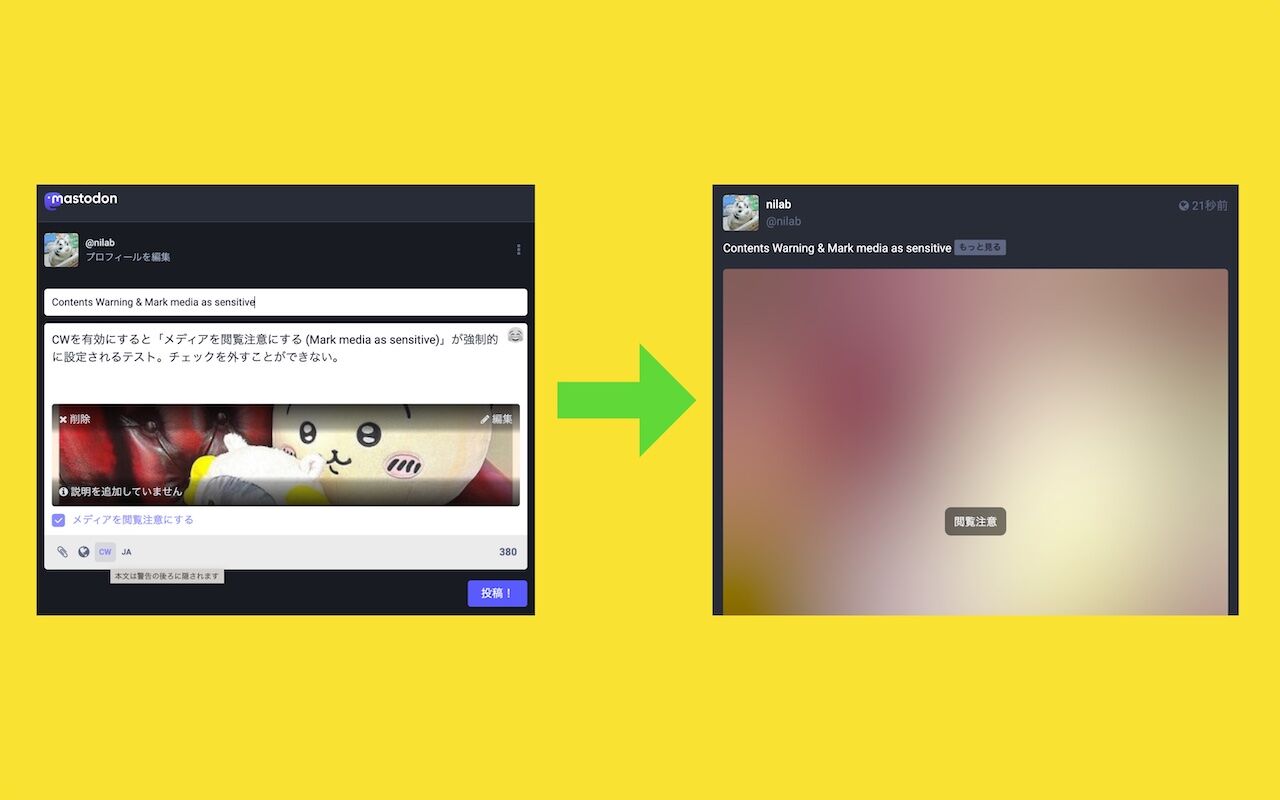
-nilog: iPhone ホーム画面のスクショを撮っておく。さいきんは、Twitter 危機でいろんな SNS に参加してる。 Twitter, Mastodon, Misskey, Bluesky, Threads, Tumblr. 現時点では、主に Mastodon をメインにしていて、Twitter のほうが良さそうなときは Twitter を使っている(大きめの画像投稿とか)。 (2023-07-19)
--http://www.nilab.info/nilog/?type=twitter&id=1681462207119523840
--
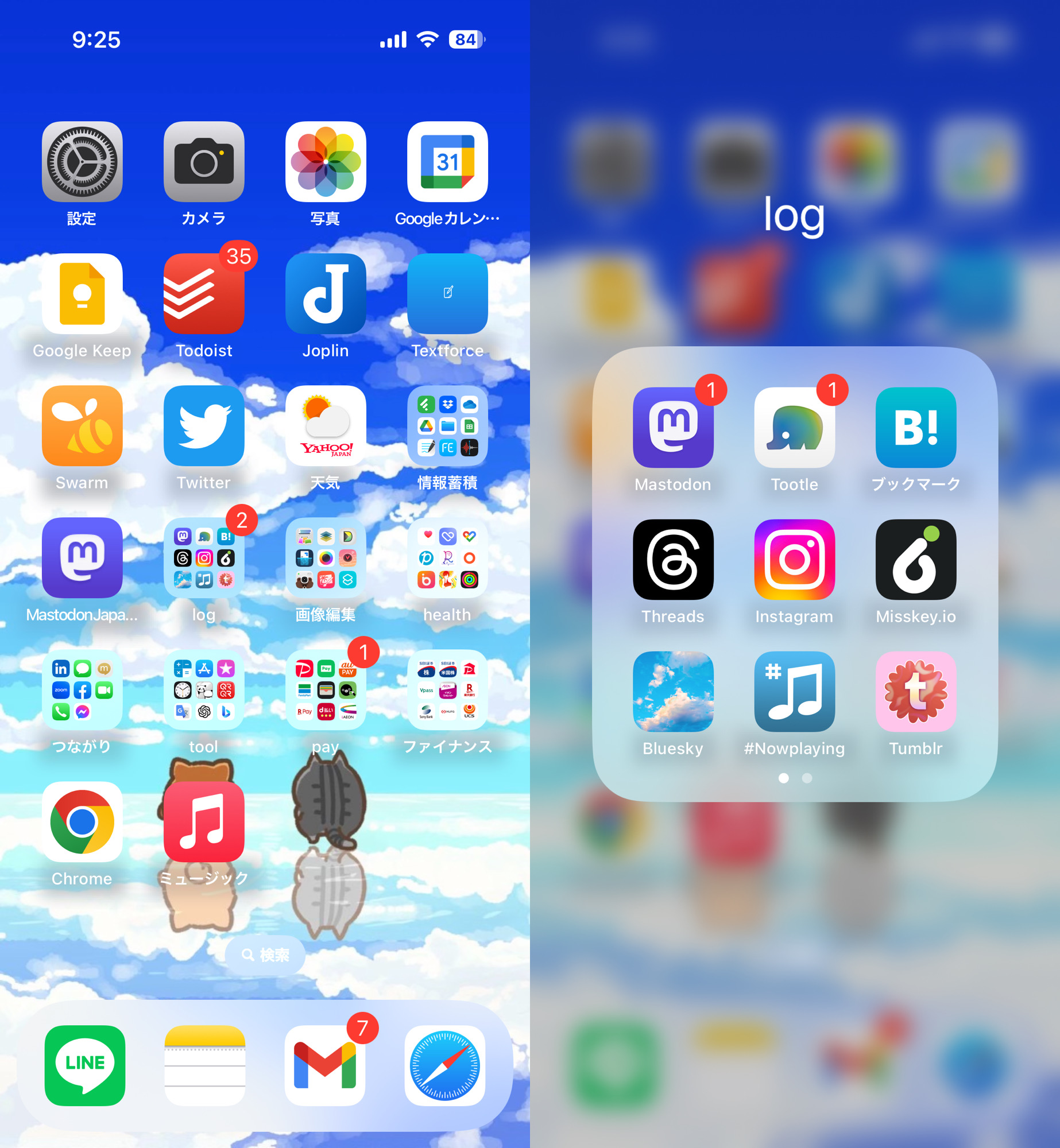
-nilog: Foursquare Swarm から Twitter への連携自動ツイートもできなくなり、各種 Twitter App から Twitter API をコールできなくなったこともあって、すっかり Mastodon がメインになってきた。 自分のログをまとめている nilog の表示優先順位を変更して、Twitter よりも Mastodon が先に表示されるようにした。 nilog: 無いログは振れない。 (2023-08-10)
--http://www.nilab.info/nilog/?type=m01&id=110864369145055981
--
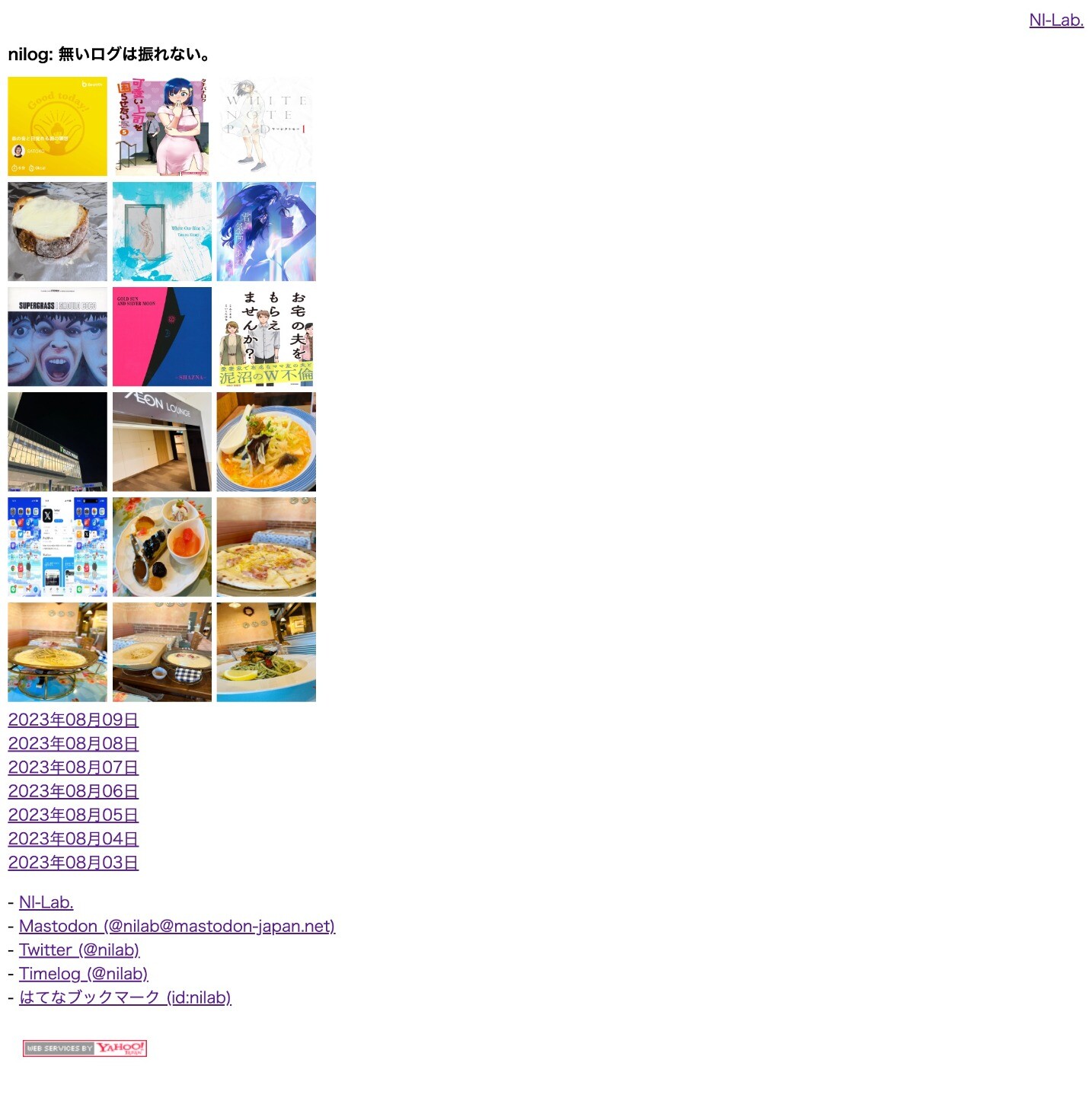
-nilog: nilog で自分が投稿したトゥートとツイートの件数を見る。Mastodonを使うほうが多くなってきている。Twitter へは Foursqaure Swarm や Mastodon の転載ぐらいしか投稿しなくなった。 (2023-08-13)
--http://www.nilab.info/nilog/?type=m01&id=110881275856340574
--
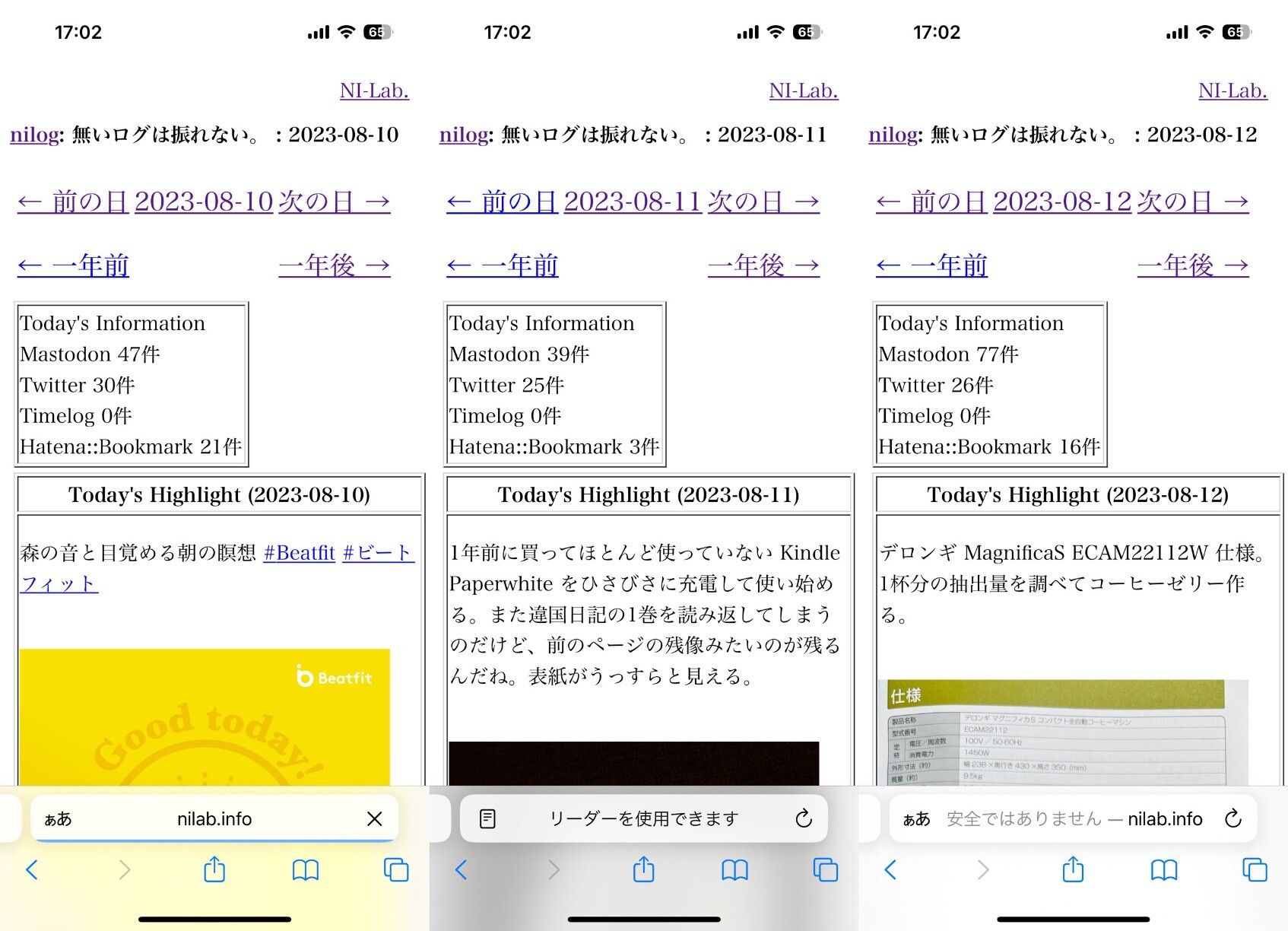
-nilog: Foursquare Swarm からシェア機能で Mastodon に投稿したのはじめてかも。 (2023-09-30)
--http://www.nilab.info/nilog/?type=m01&id=111150734897546735
-nilog: Foursquare Swarm から Mastodon へシェア連携投稿がずっとできなくなっていたのだけどいつのまにか出来るように復活してた。 (2023-12-14)
--http://www.nilab.info/nilog/?type=m01&id=111575866664098244
--
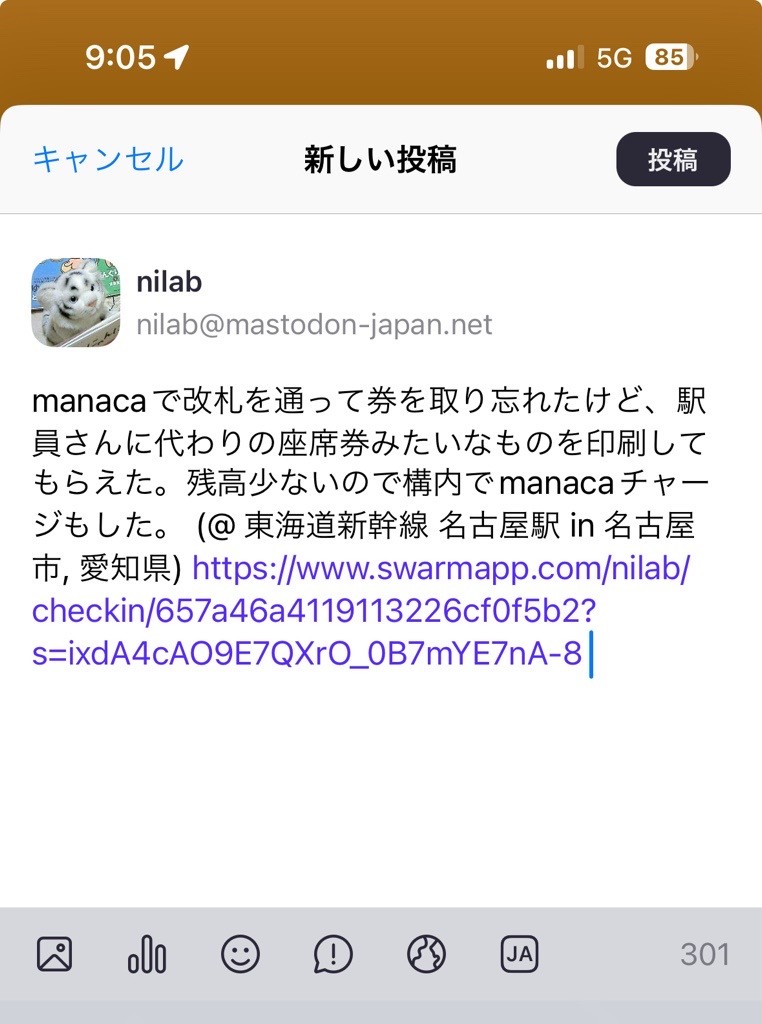
-nilog: Mastodon をはじめてちょうど1年だ(∩´∀`)∩ (2024-02-03)
--http://www.nilab.info/nilog/?type=m01&id=111866214606874031
--
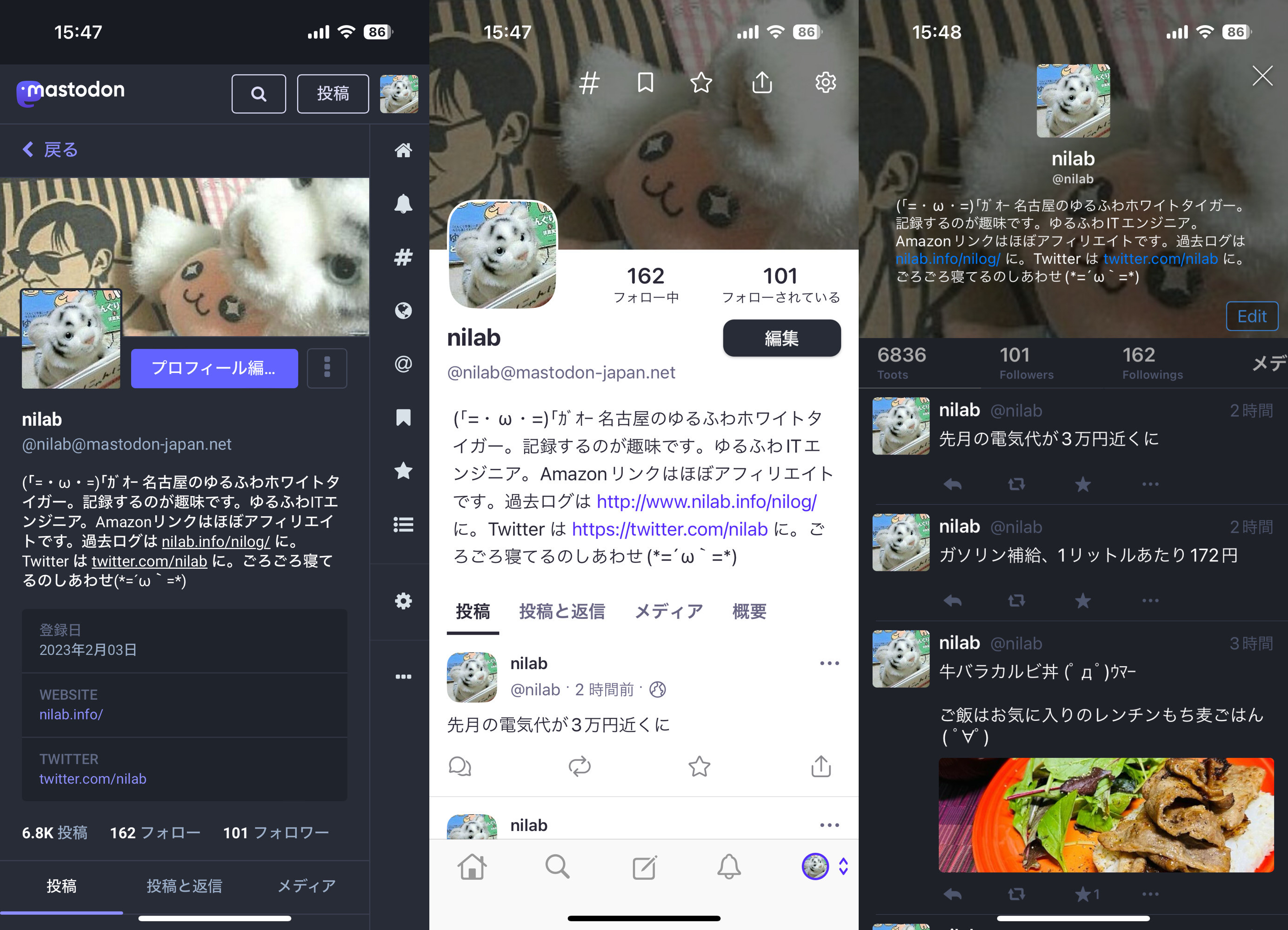
-nilog: 6839トゥート ÷ 365日 ≒ 18.7トゥート。1年でトゥート投稿数が6800程度なので、1日に平均で18トゥートぐらいしている計算になる。 (2024-02-03)
--http://www.nilab.info/nilog/?type=m01&id=111866280037476037
--
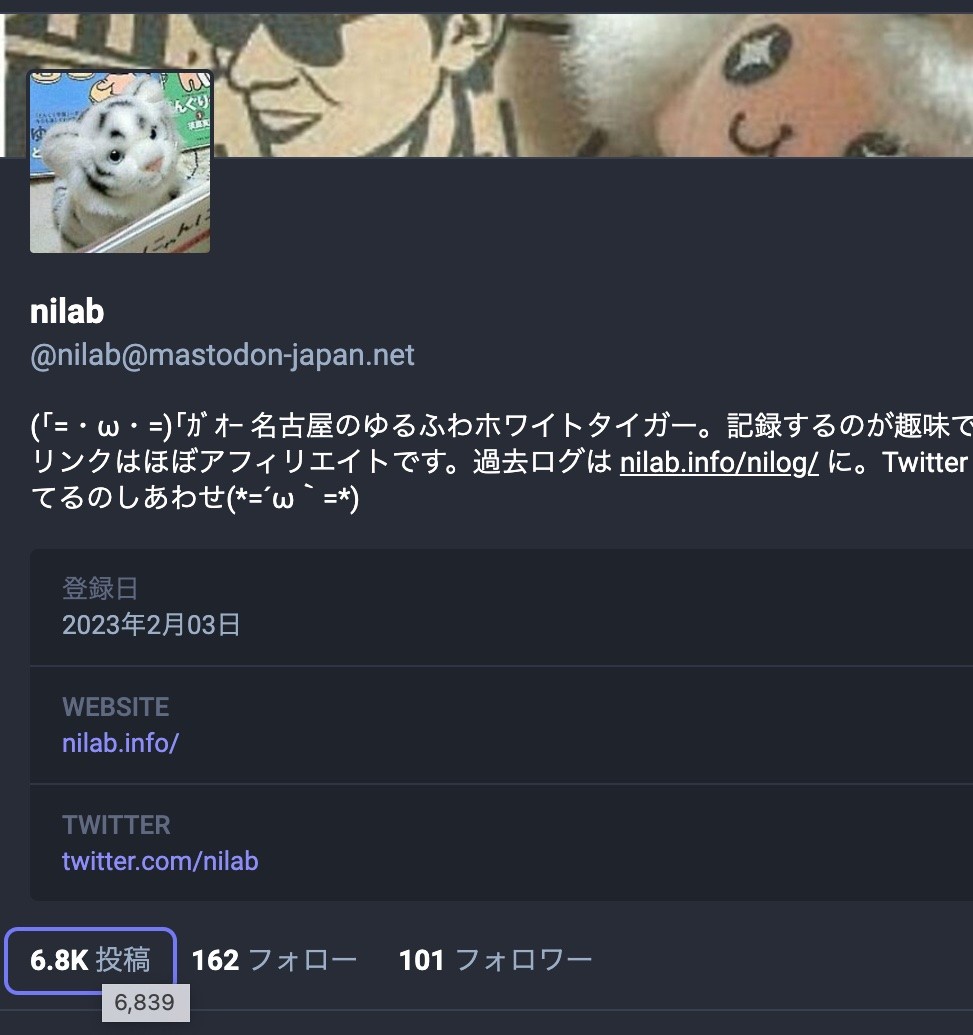
-nilog: iPhone の Foursquare swarm アプリから Mastodon へのシェア機能を使おうとするとこの画面になってしまうことがけっこう多い。テキストが空っぽだし、キャンセルをタップしても効かない。Swarm アプリを再起動して再度シェア機能を使うとうまくいくことが多い。 (2024-06-15)
--http://www.nilab.info/nilog/?type=m01&id=112618120565259295
--
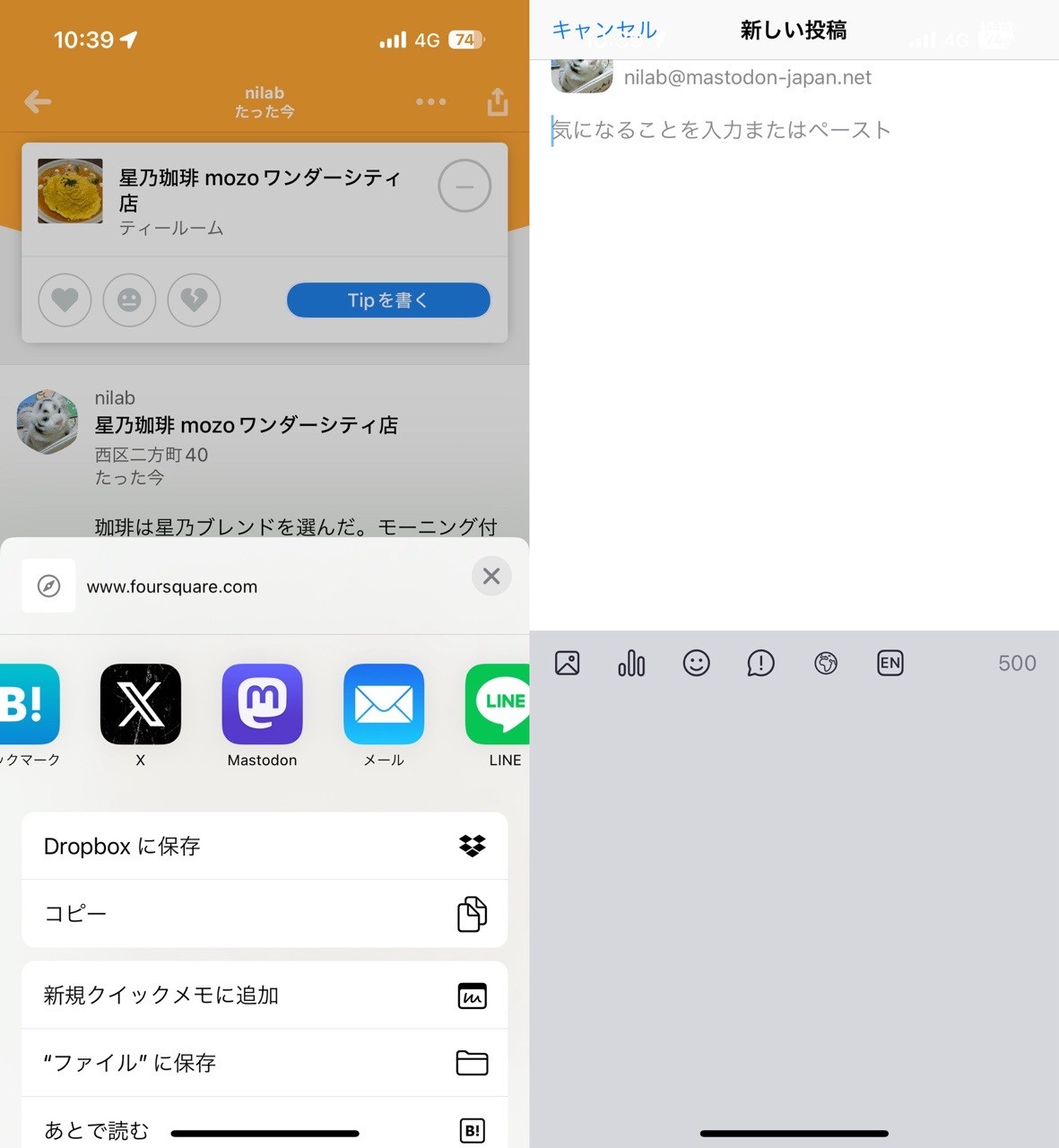
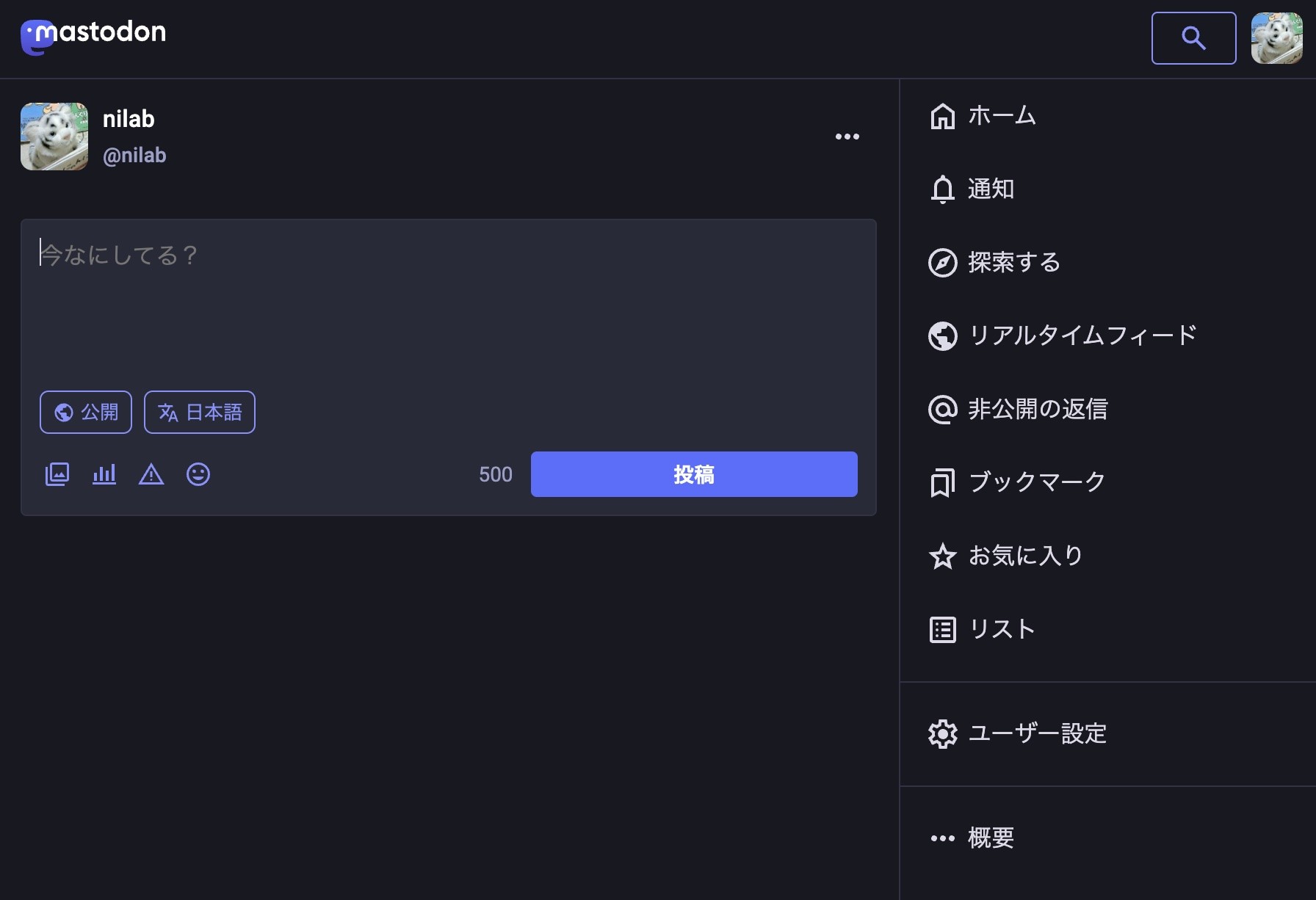
-nilog: Mastodon の UI が変わった( ´∀`) (2024-11-11)
--http://www.nilab.info/nilog/?type=m01&id=113464420315008138
--
-nilog: iPhoneのホーム画面にSNSがたくさん( ´∀`) mixi, mixi2, Foursquare Swarm, Twitter X, Mastodon, はてなブックマーク, Bluesky, Threads, Instagram, Misskey, Tumblr, Facebook, LinkedIn, ... (2024-12-17)
--http://www.nilab.info/nilog/?type=m01&id=113665290490706622
--
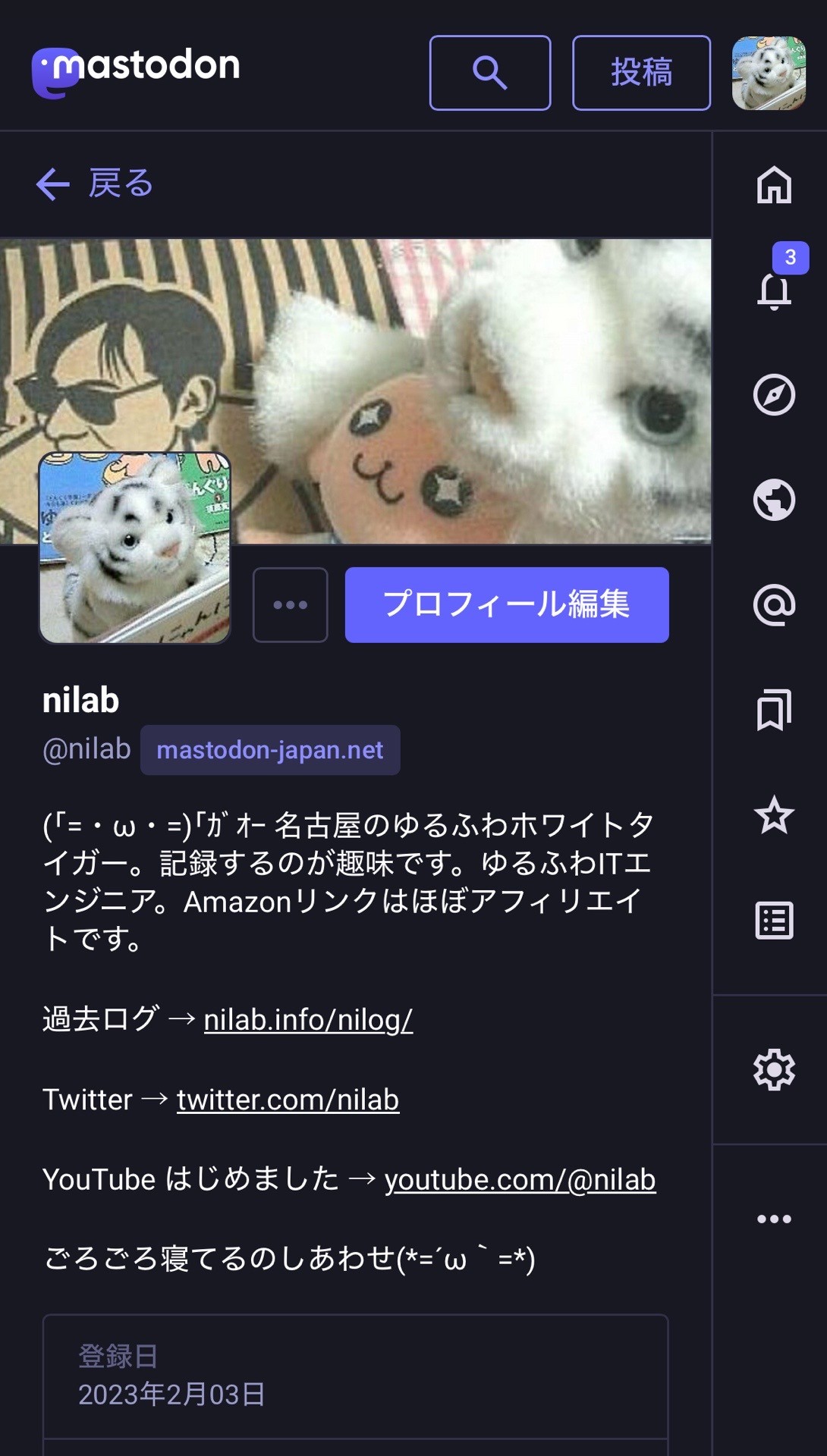
-nilog: 今の自分は Mastodon がメインで、Twitter X, Bluesky, Threads, mixi2, Misskey, Instagram には気が向いたときに投稿する、というスタンス。 nilab (@nilab) - Mastodon Japan Server @nilab (2024-12-20)
--http://www.nilab.info/nilog/?type=m01&id=113681899506440534
--
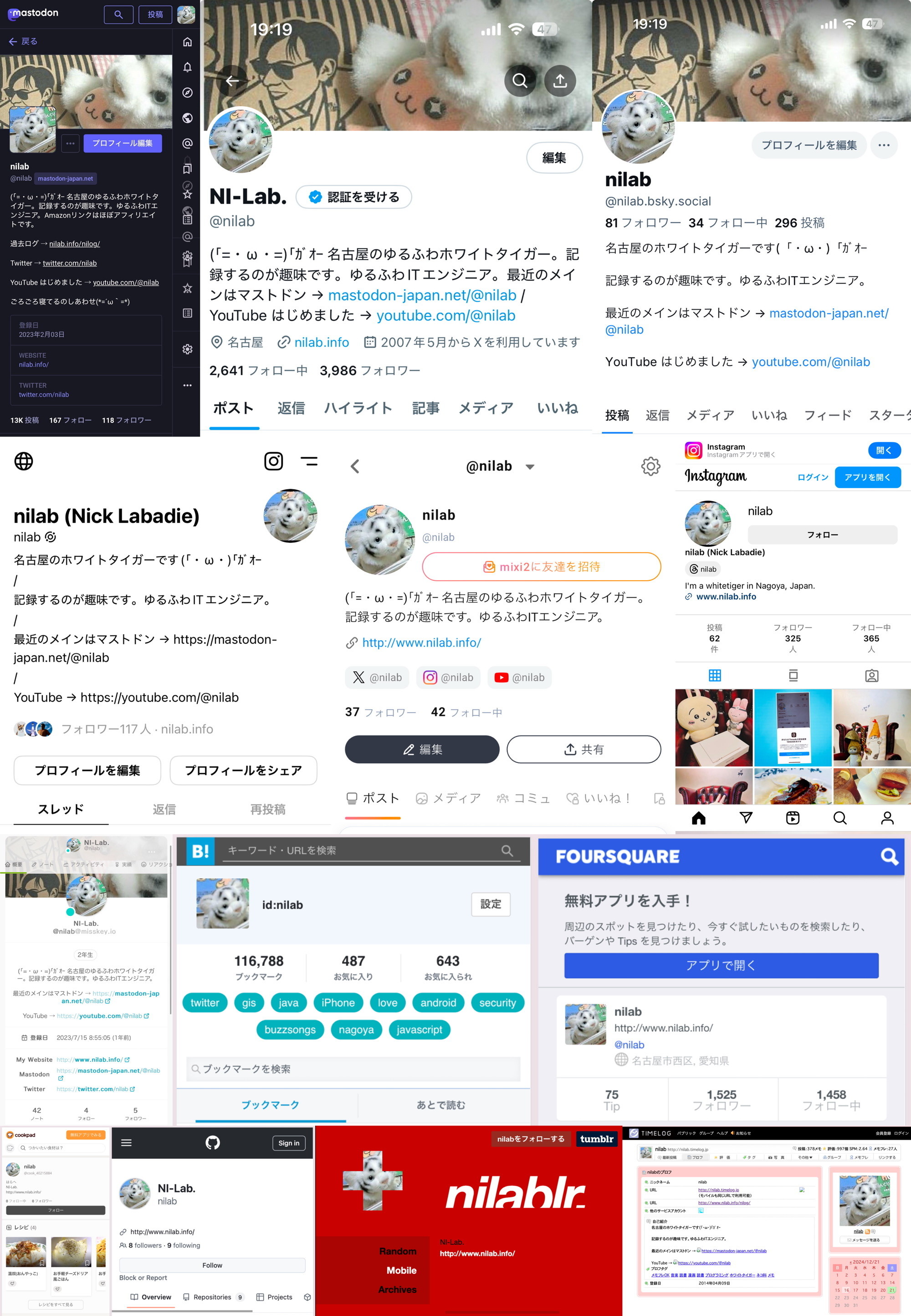
-nilog: SNSの自分のアカウントのスクショをまとめてみた。Mastodon, Twitter X, Bluesky, Threads, mixi2, Instagram, Misskey, はてなブックマーク, Foursquare Swarm, Cookpad, GitHub, Tumblr, Timelog. (2024-12-21)
--http://www.nilab.info/nilog/?type=m01&id=113690425964644629
--
-nilog: いま見ているWebページのタイトルとURLをSNSに投稿したい。 iPhone 共有機能を比較する。 iPhone Safari から Tootle には、タイトルとURLを送ることができる。 iPhone Chrome から Tootle には、URLだけを送ることができる。 iPhone Safari から Twitter には、タイトルとURLを送ることができる。 iPhone Safari から Threads や Bluesky には、URLだけを送ることができる。 自分が iPhone を使うときは、タイトルとURLを送ってくれる Safari + Tootle (Mastodon) が最強。 (2025-10-22)
--http://www.nilab.info/nilog/?type=m01&id=115414479985623472
--
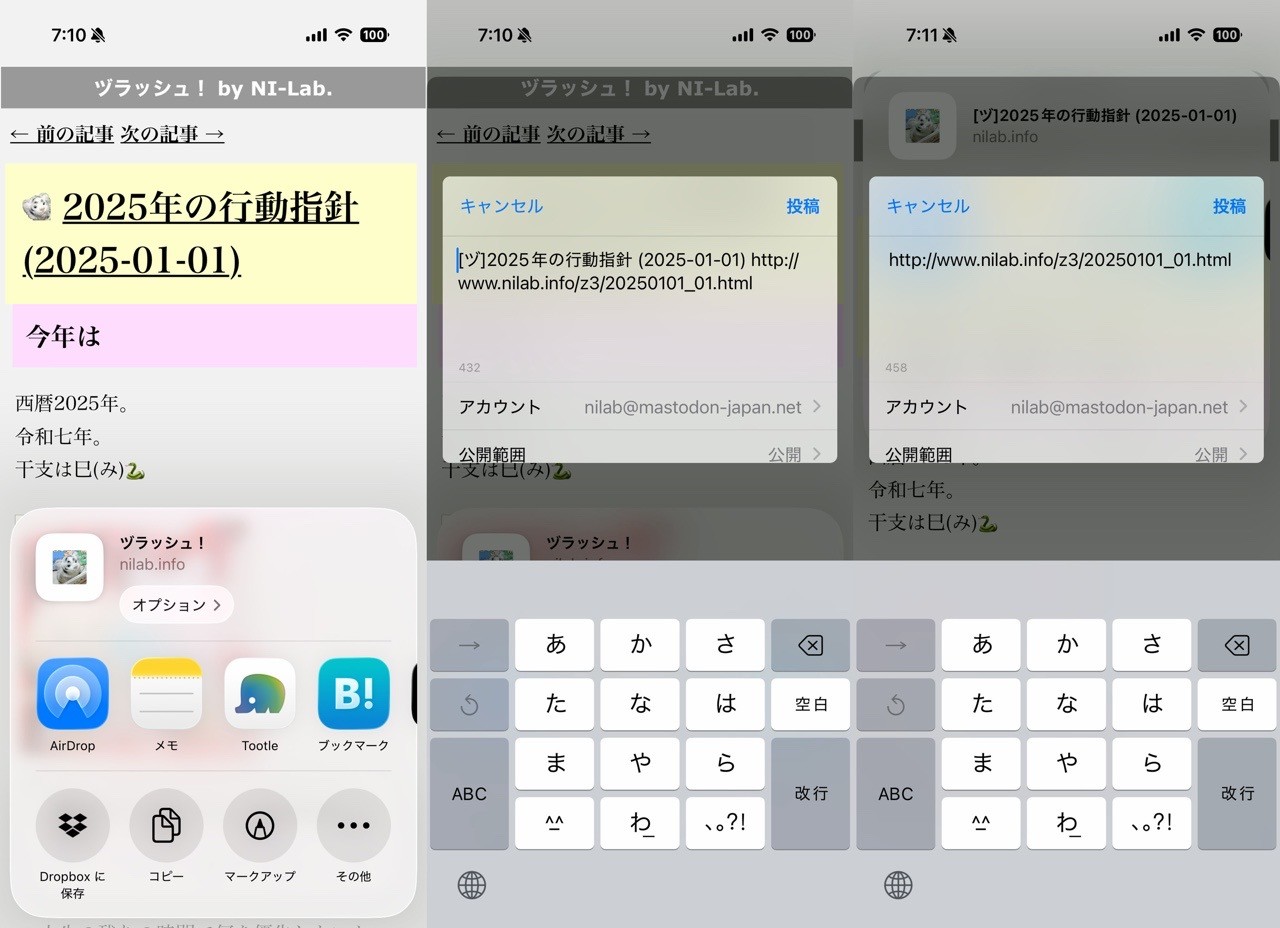
-nilog: うっかり mastodon.social にアカウントを作ってしまったけど、使い道がないかもしれない。。。 nilab (@nilabinfo) - Mastodon @nilabinfo (2025-10-23)
--http://www.nilab.info/nilog/?type=m01&id=115423803951636265
--
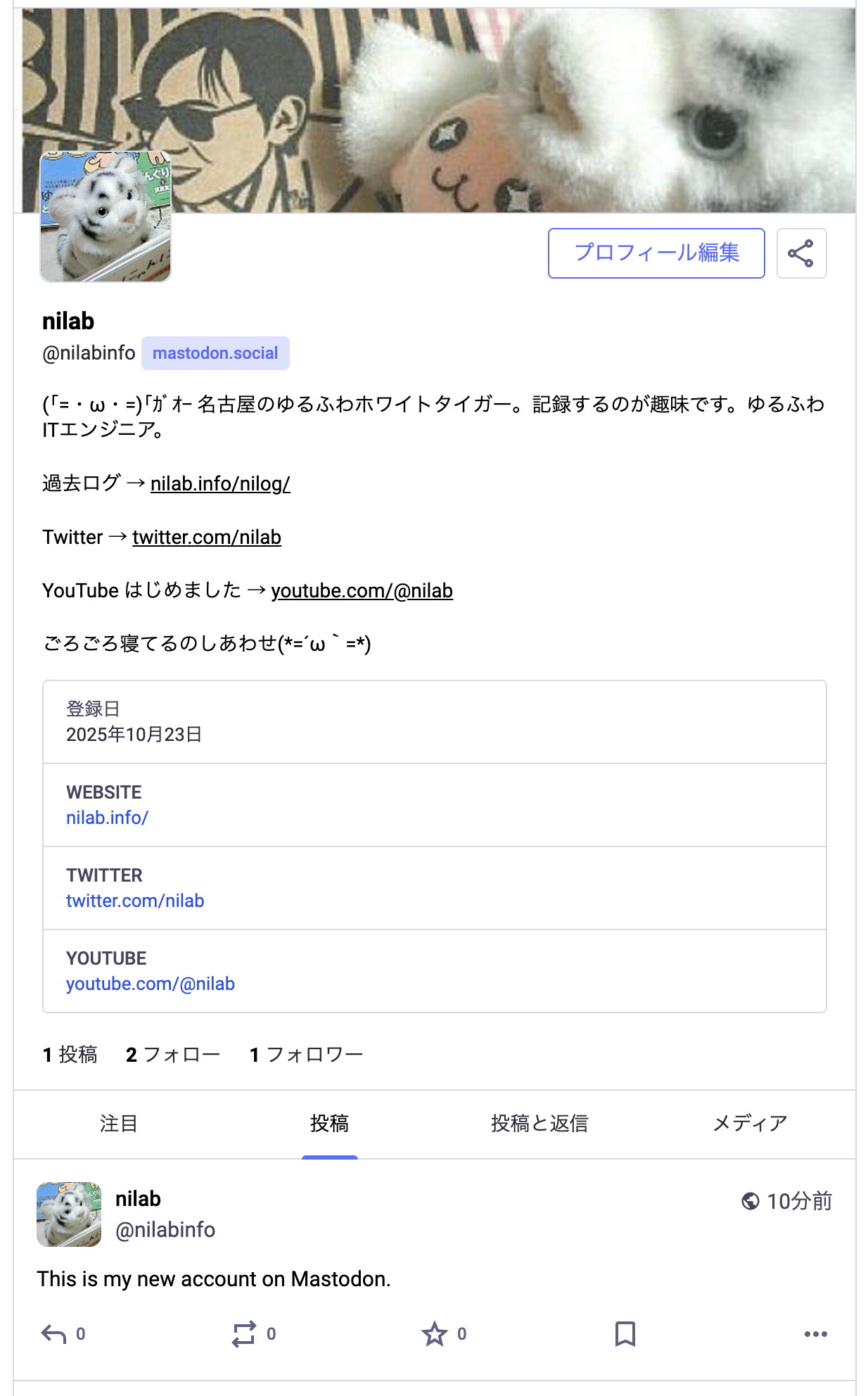
-nilog: iPhone Safari で「ホーム画面に追加」 → 「Webアプリとして開く」 を設定して、それを起動したときの挙動について、Mastodon Japan, mstdn.jp, Fedibird, Misskey.io を比較。 自分の使い方としては、自分の投稿を確認することが多いので本当ならこの画面を最初に開いてほしい。でもどのサーバーもこの画面ではなくホーム画面っぽいものが初期画面になる。 Mastodon Japan と mstdn.jp は右上の自分のアイコンを1タップするだけで自分の投稿ページに遷移できる。Fedibird と Misskey.io は遷移に2タップ必要。 外出中等で急いで投稿する用途では、Mastodon Japan と mstdn.jp が向いてそう。 (2025-11-04)
--http://www.nilab.info/nilog/?type=m01&id=115490124004718727
--
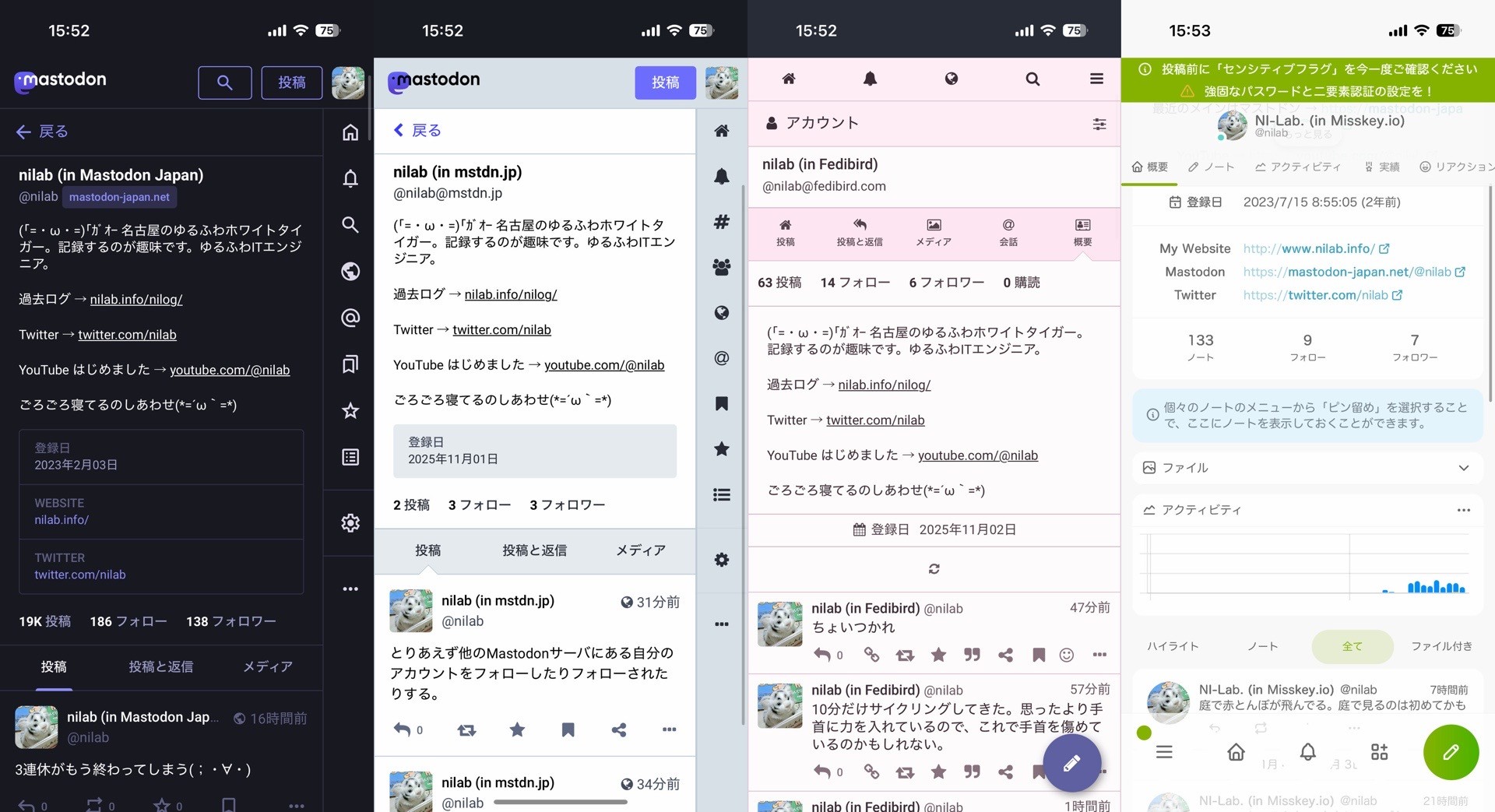
-nilog: 1440 x 1920 サイズの JPEG 画像を投稿したら、 Mastodon Japan, Fedibird, Misskey.io はそのままのサイズ。 mstdn.jp は 1247 x 1663 に縮小された。 また、Miskkey.io は JPEG フォーマットから WEBP に変換された。 (2025-11-05)
--http://www.nilab.info/nilog/?type=m01&id=115493745821682437
--
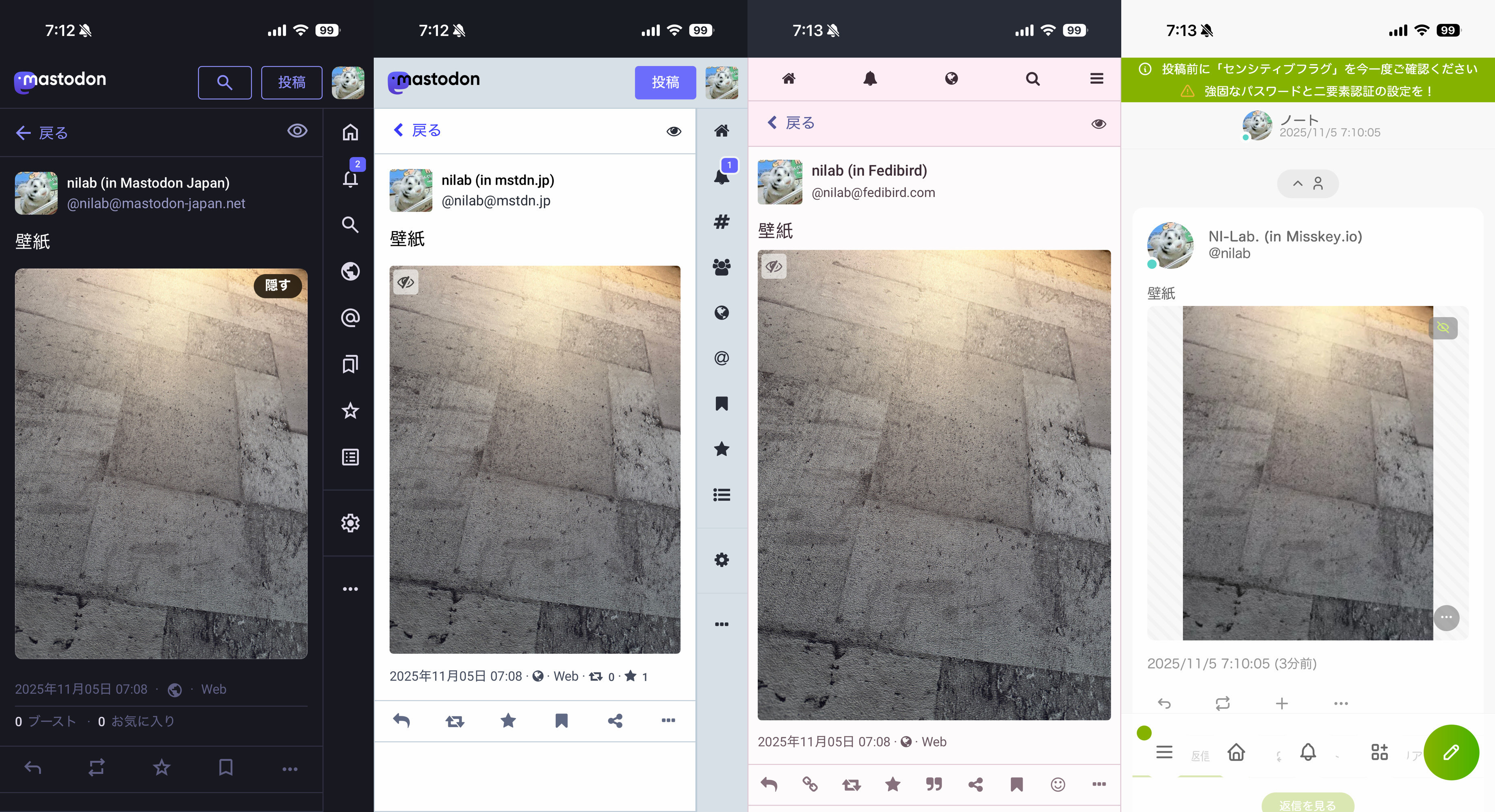
-nilog: 2025-11-05
--http://www.nilab.info/nilog/?type=m01&id=115493817628691240
--
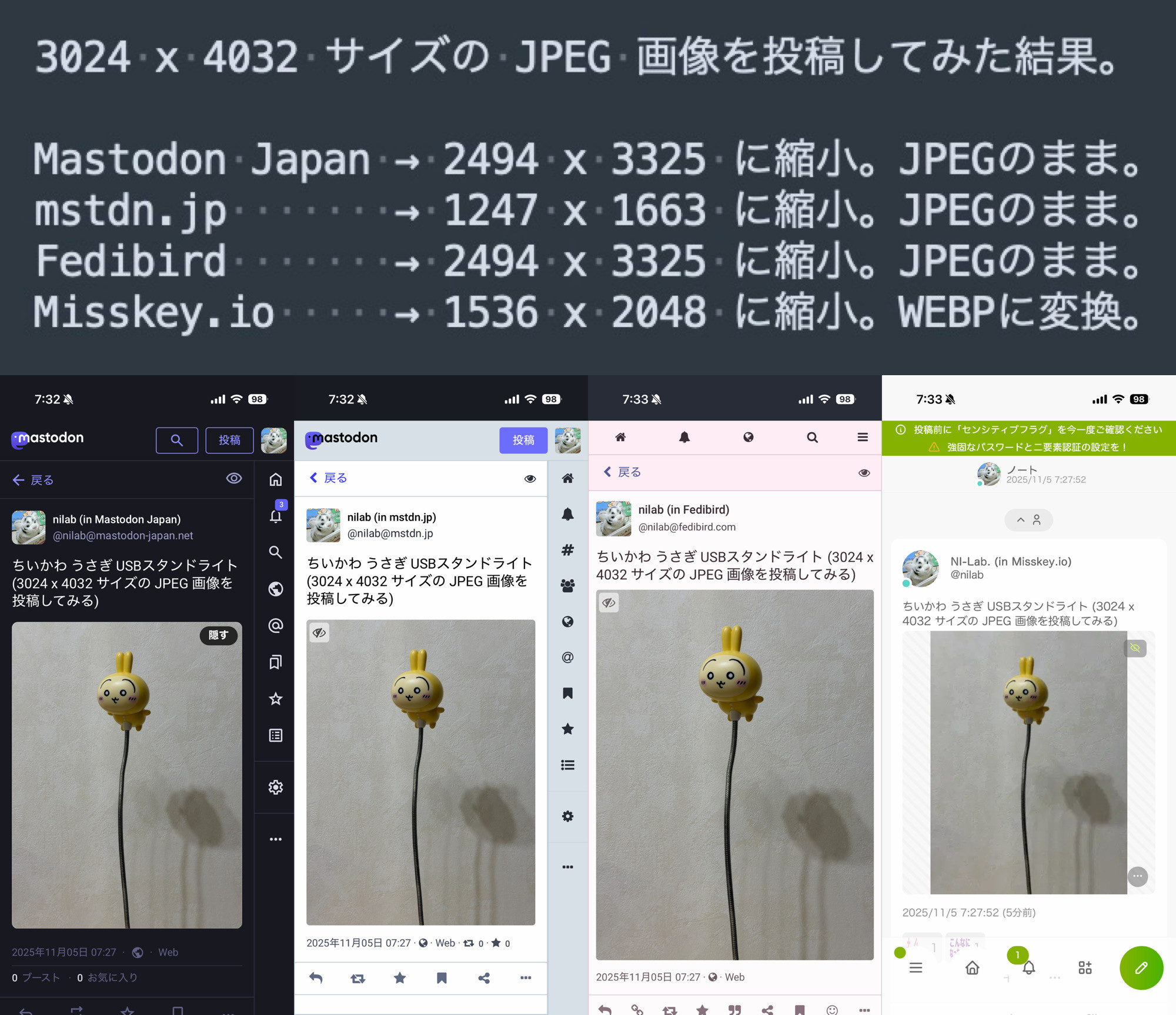
-->3024 x 4032 サイズの JPEG 画像を投稿してみた結果。
-->Mastodon Japan → 2494 x 3325 に縮小。JPEGのまま。
-->mstdn.jp → 1247 x 1663 に縮小。JPEGのまま。
-->Fedibird → 2494 x 3325 に縮小。JPEGのまま。
-->Misskey.io → 1536 x 2048 に縮小。WEBPに変換。
-nilog: 2025-11-05
--http://www.nilab.info/nilog/?type=m01&id=115494026523335481
--
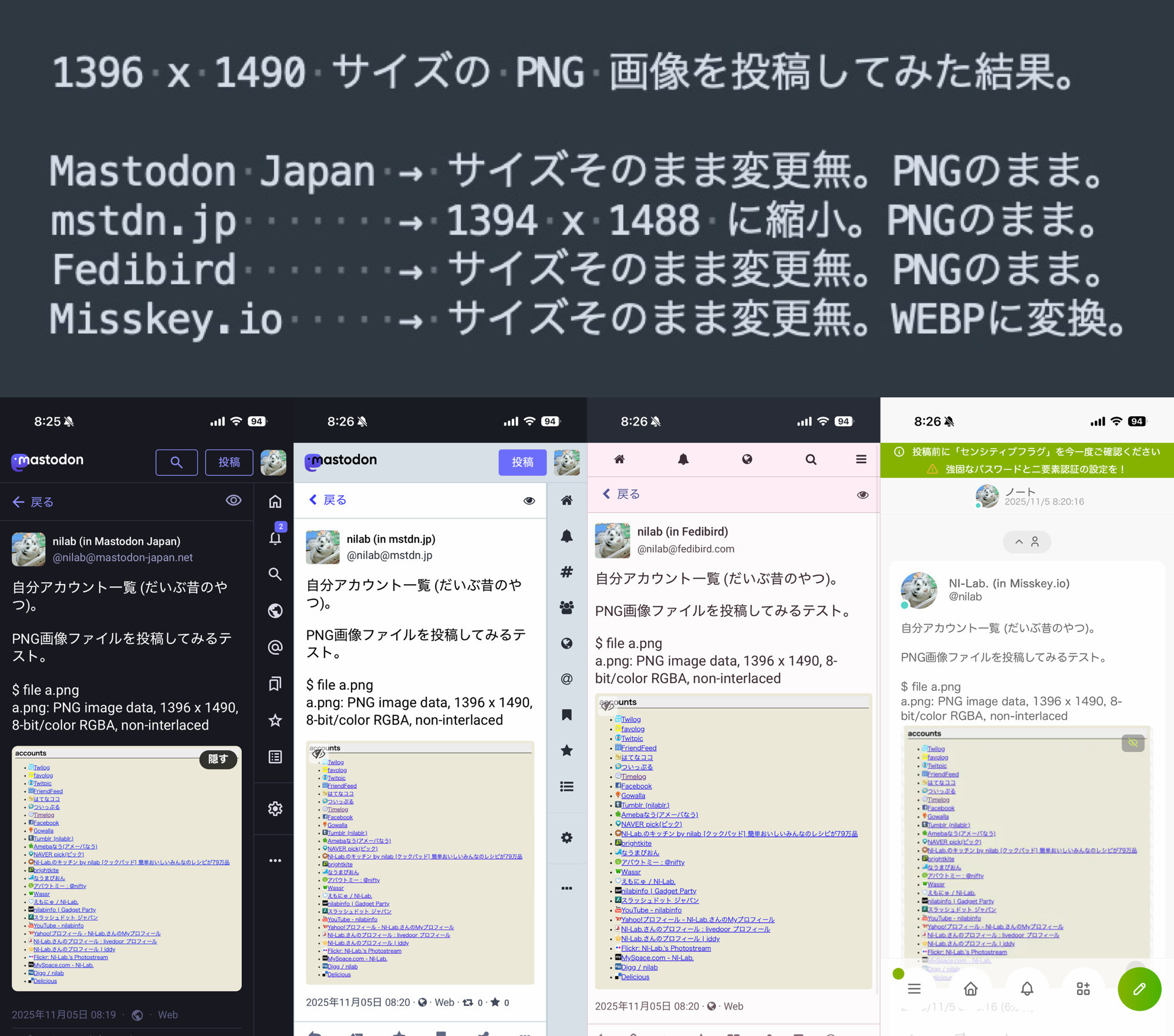
-->1396 x 1490 サイズの PNG 画像を投稿してみた結果。
-->Mastodon Japan → サイズそのまま変更無。PNGのまま。
-->mstdn.jp → 1394 x 1488 に縮小。PNGのまま。
-->Fedibird → サイズそのまま変更無。PNGのまま。
-->Misskey.io → サイズそのまま変更無。WEBPに変換。
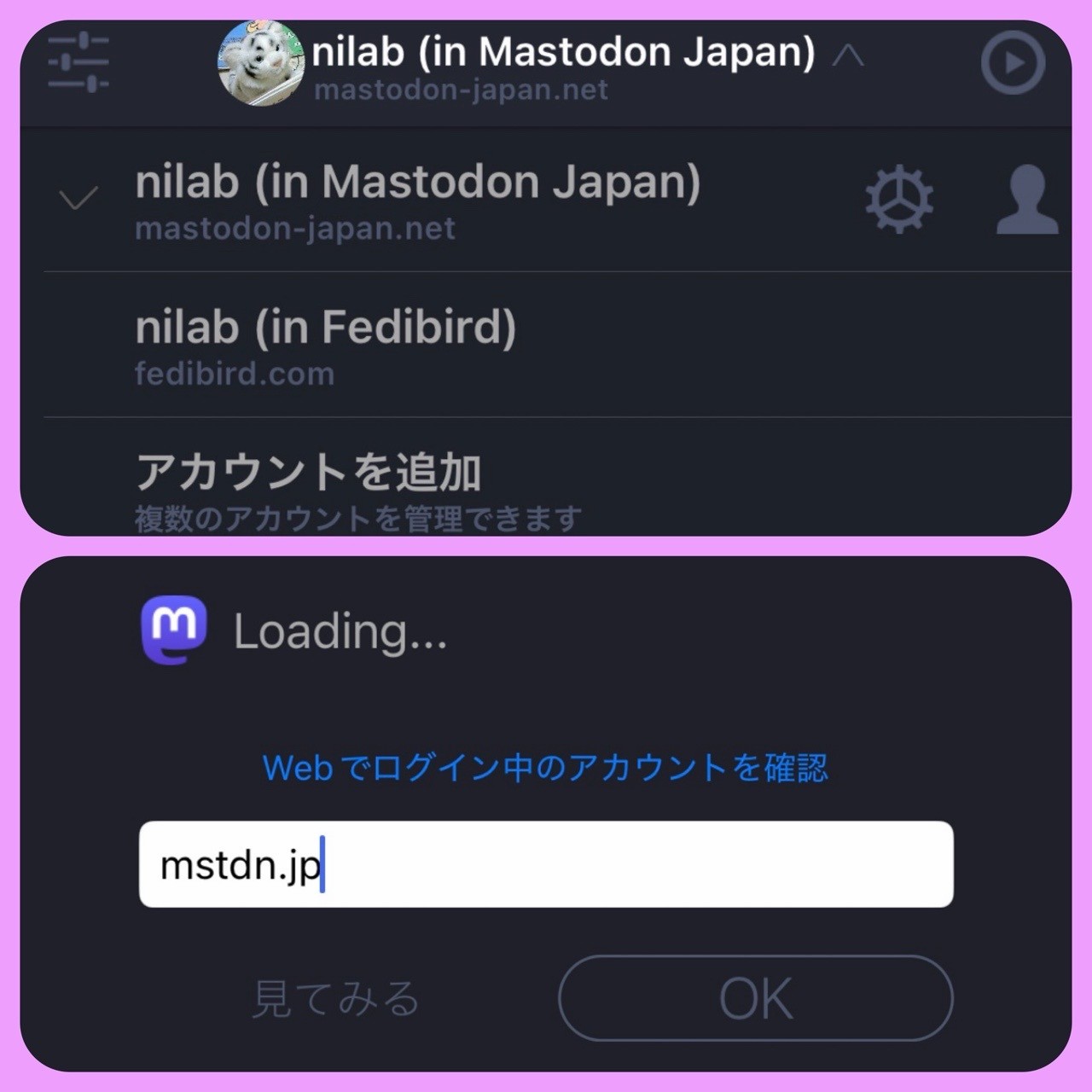
-nilog: Tootle iPhone アプリに mstdn.jp のアカウントを追加できない。ずっと Loading... のまま。Mastodon Japan と Fedibird はアカウント追加できた。 (2025-11-05)
--http://www.nilab.info/nilog/?type=m01&id=115495012238729350
--
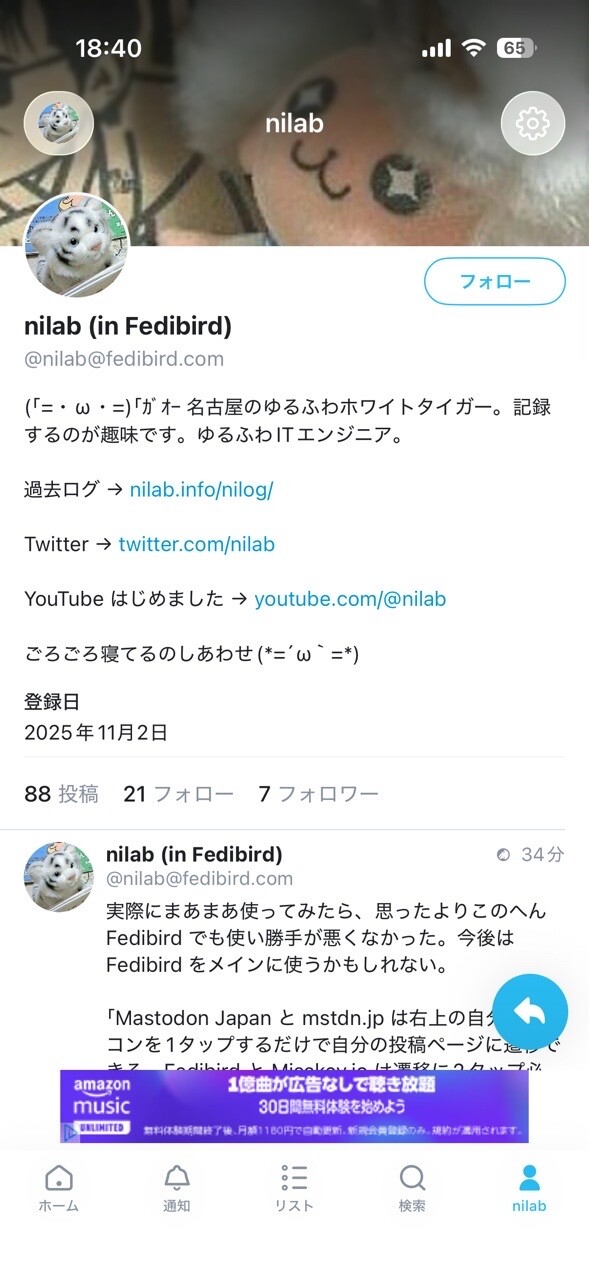
-nilog: iPhone アプリ feather for Mastodon をインストールした。Fedibird にログインして使ってみる。 (2025-11-06)
--http://www.nilab.info/nilog/?type=fedibird&id=115502106362637517
--
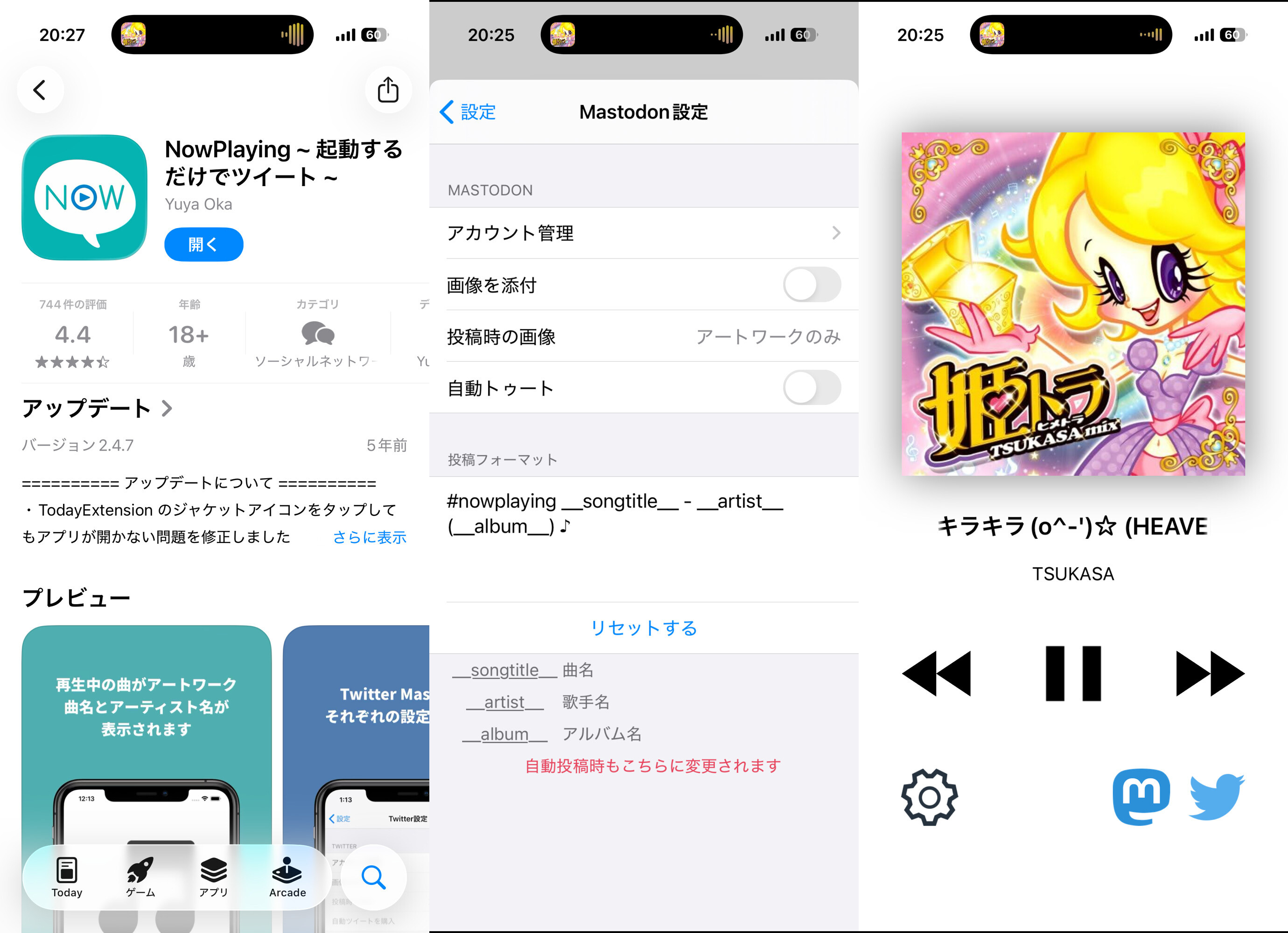
-nilog: NowPlayingアプリ Mastdon トゥート設定とか (2025-11-06)
--http://www.nilab.info/nilog/?type=fedibird&id=115502515958845684
--
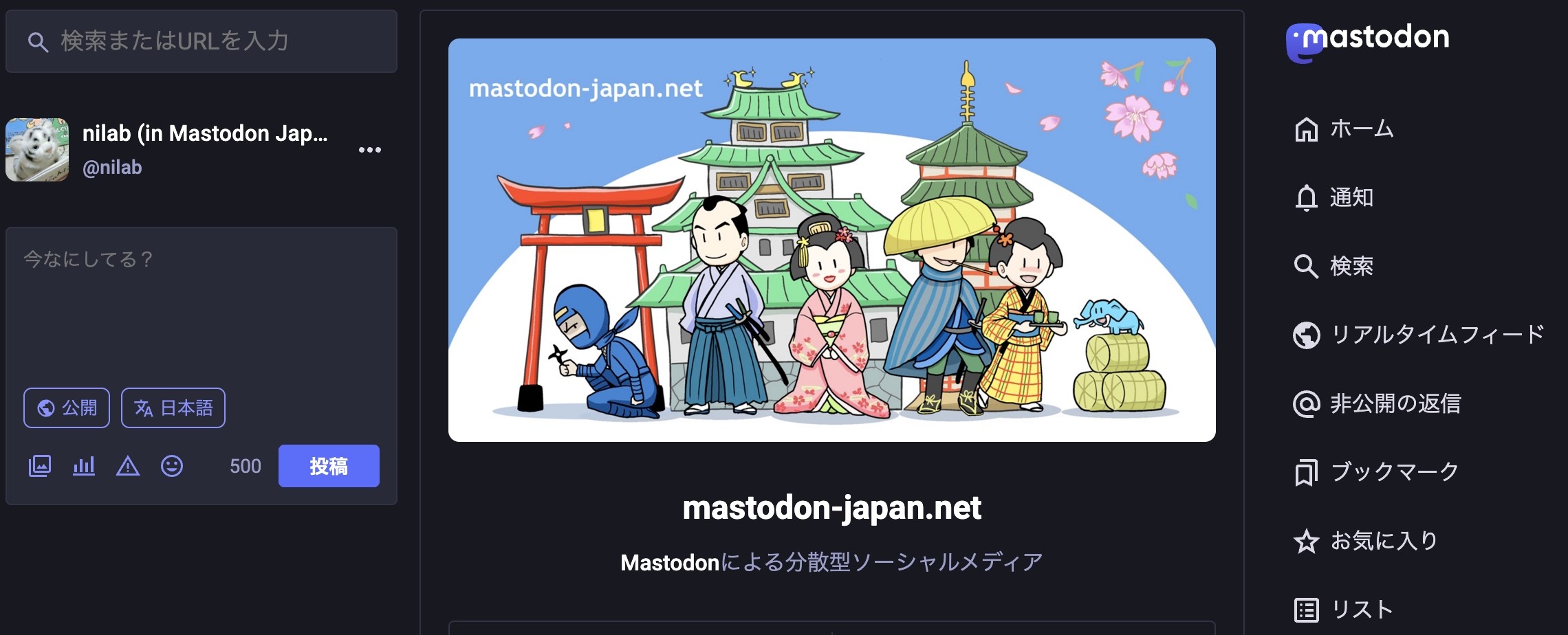
-nilog: 概要 - Mastodon Japan Server (2025-11-09)
--http://www.nilab.info/nilog/?type=m01&id=115517354456723323
--
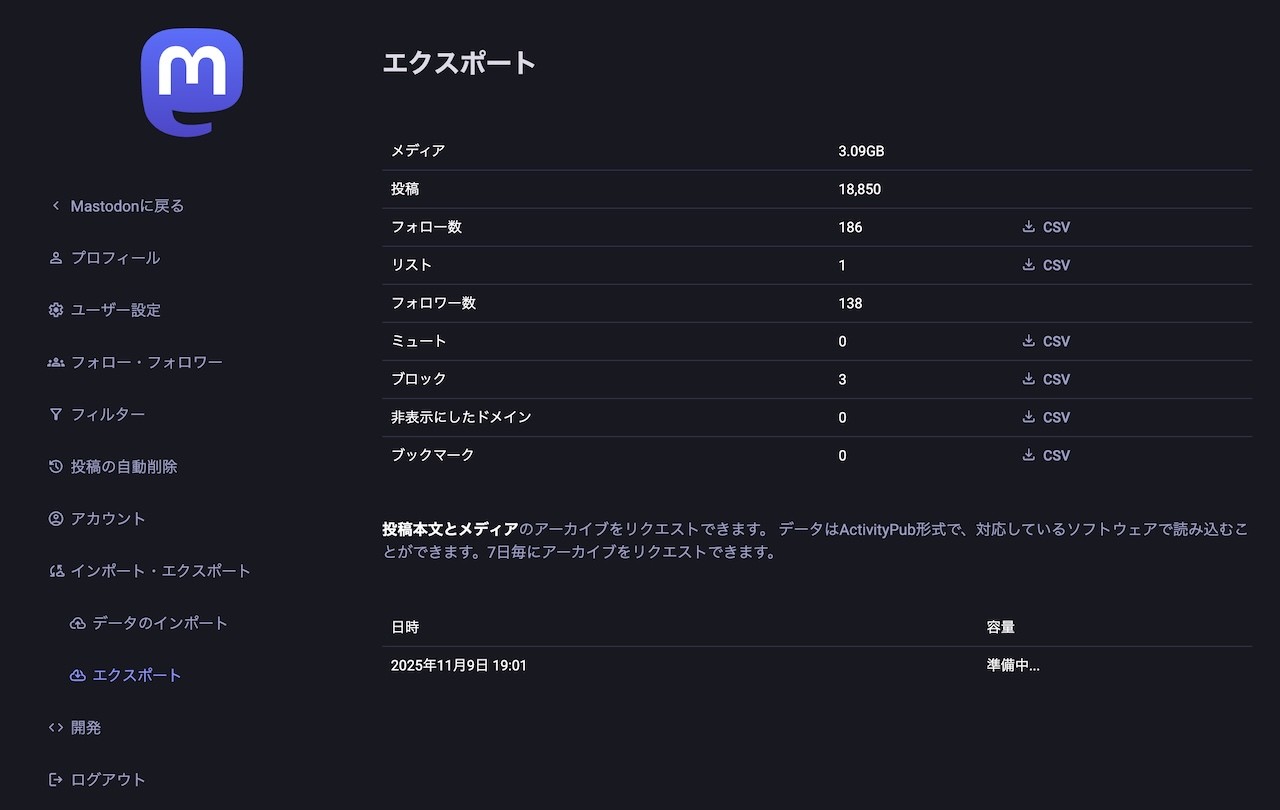
-nilog: Mastodon Japan でこの2年と9ヶ月に投稿したトゥートが約18000。メディアのサイズが3GBぐらい。 エクスポート - Mastodon Japan Server (2025-11-09)
--http://www.nilab.info/nilog/?type=m01&id=115519205189988589
--
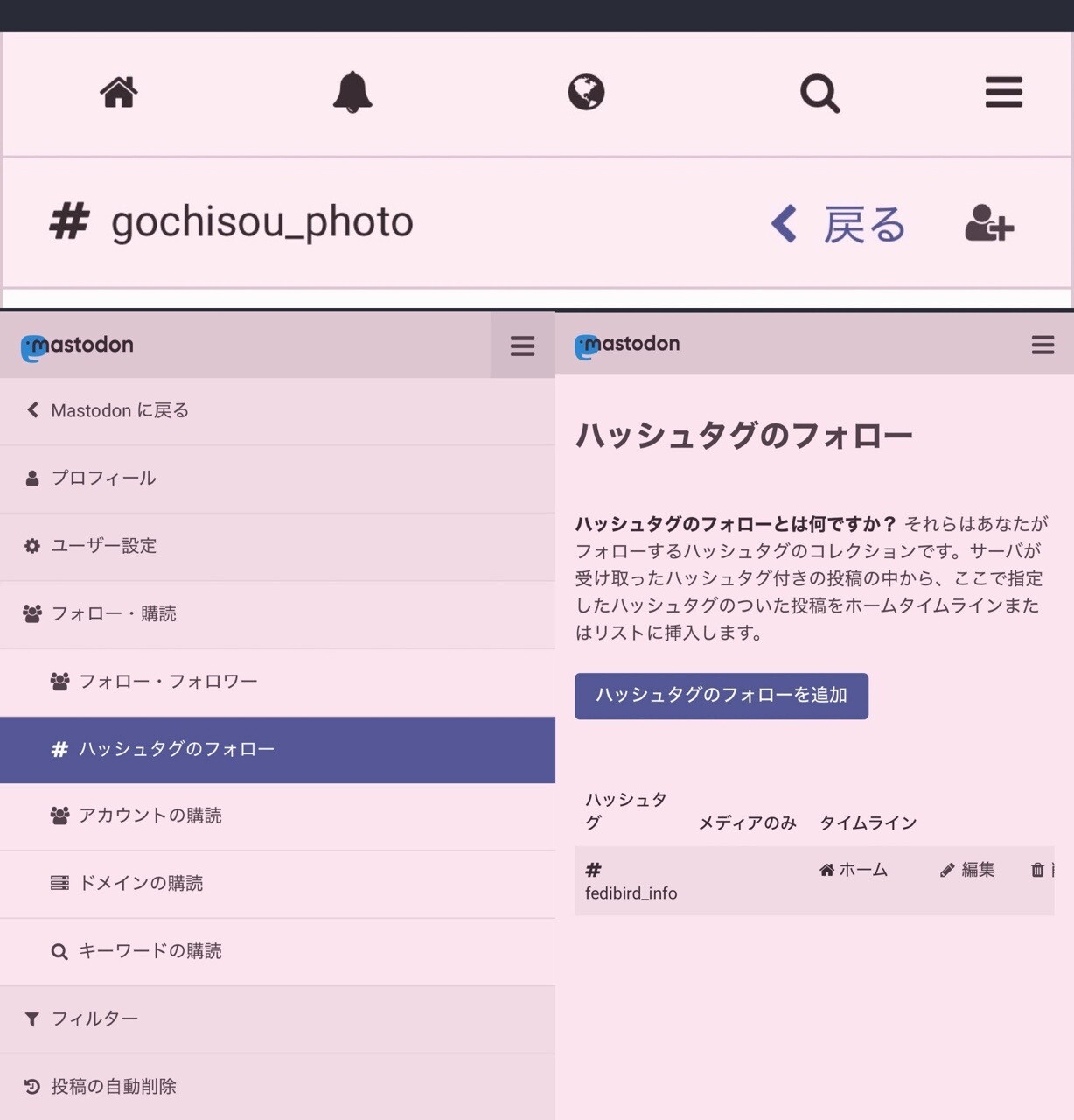
-nilog: Fedibird の設定「フォロー・購読」→「ハッシュタグのフォロー」からハッシュタグのフォローができた(∩´∀`)∩ワーイ 検索結果の投稿のハッシュタグをタップしたりするとハッシュタグのタイムラインが表示されるので、その右上のアイコンからハッシュタグをフォローすることもできる。 (2025-11-12)
--http://www.nilab.info/nilog/?type=fedibird&id=115533545050422387
--
-nilog: Fedibird の検索結果画面でハッシュタグタイムラインへのリンクが見つからなかったんだけど、下のほうにスクロールしたらあった。 (2025-11-12)
--http://www.nilab.info/nilog/?type=fedibird&id=115533589979545195
--
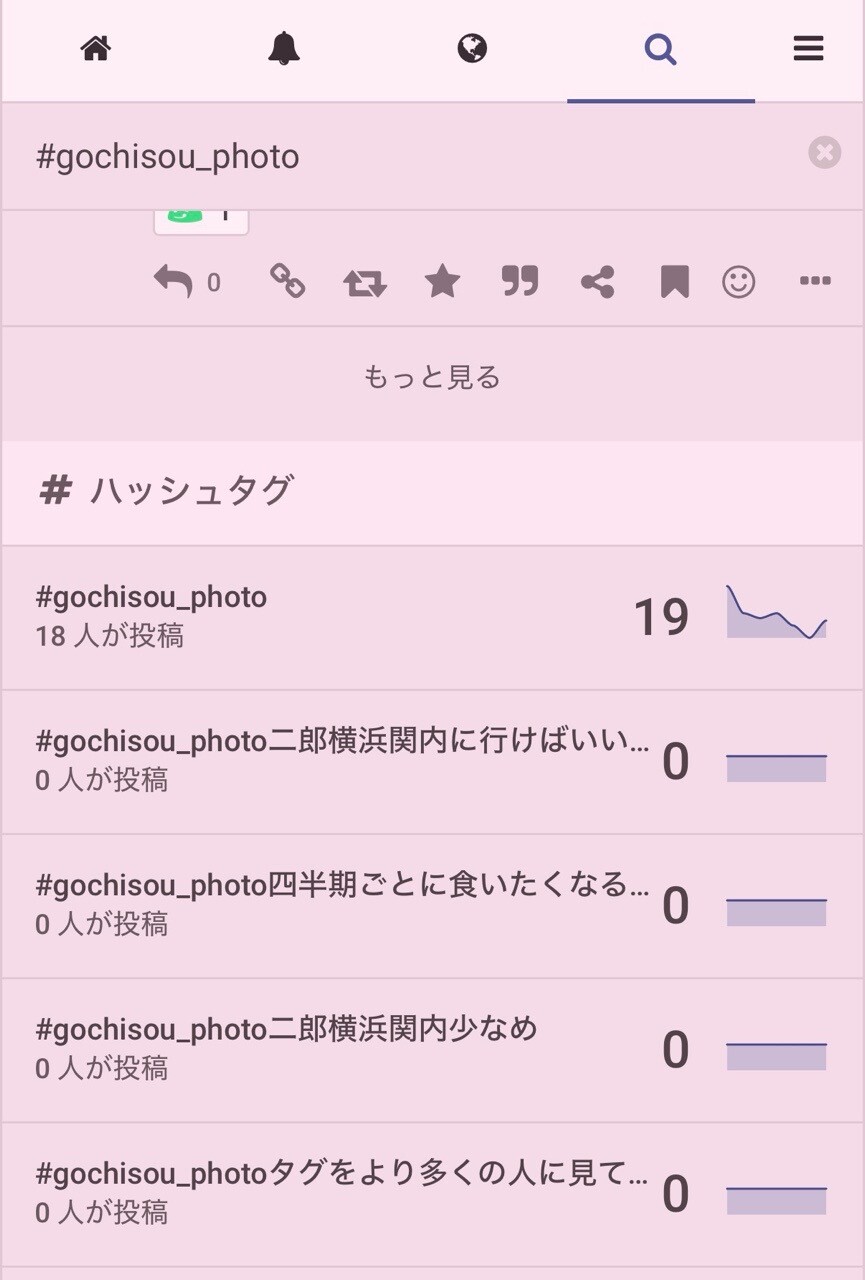
-nilog: mstdn.jp では検索画面からハッシュタグのフォローができる。 (2025-11-12)
--http://www.nilab.info/nilog/?type=mstdnjp&id=115533155431351977
--
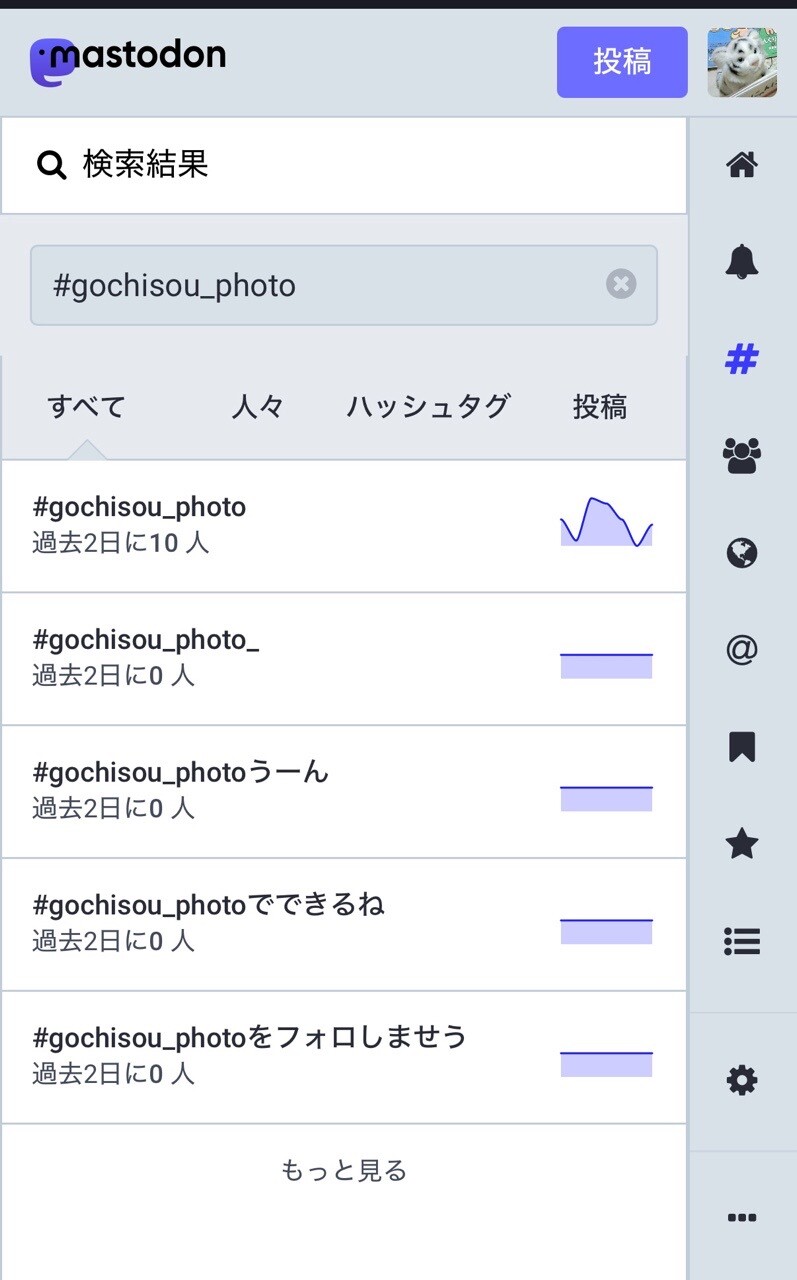
-nilog: mstdn.jp でハッシュタグを検索したときの検索結果画面 (2025-11-12)
--http://www.nilab.info/nilog/?type=mstdnjp&id=115533611933581707
--
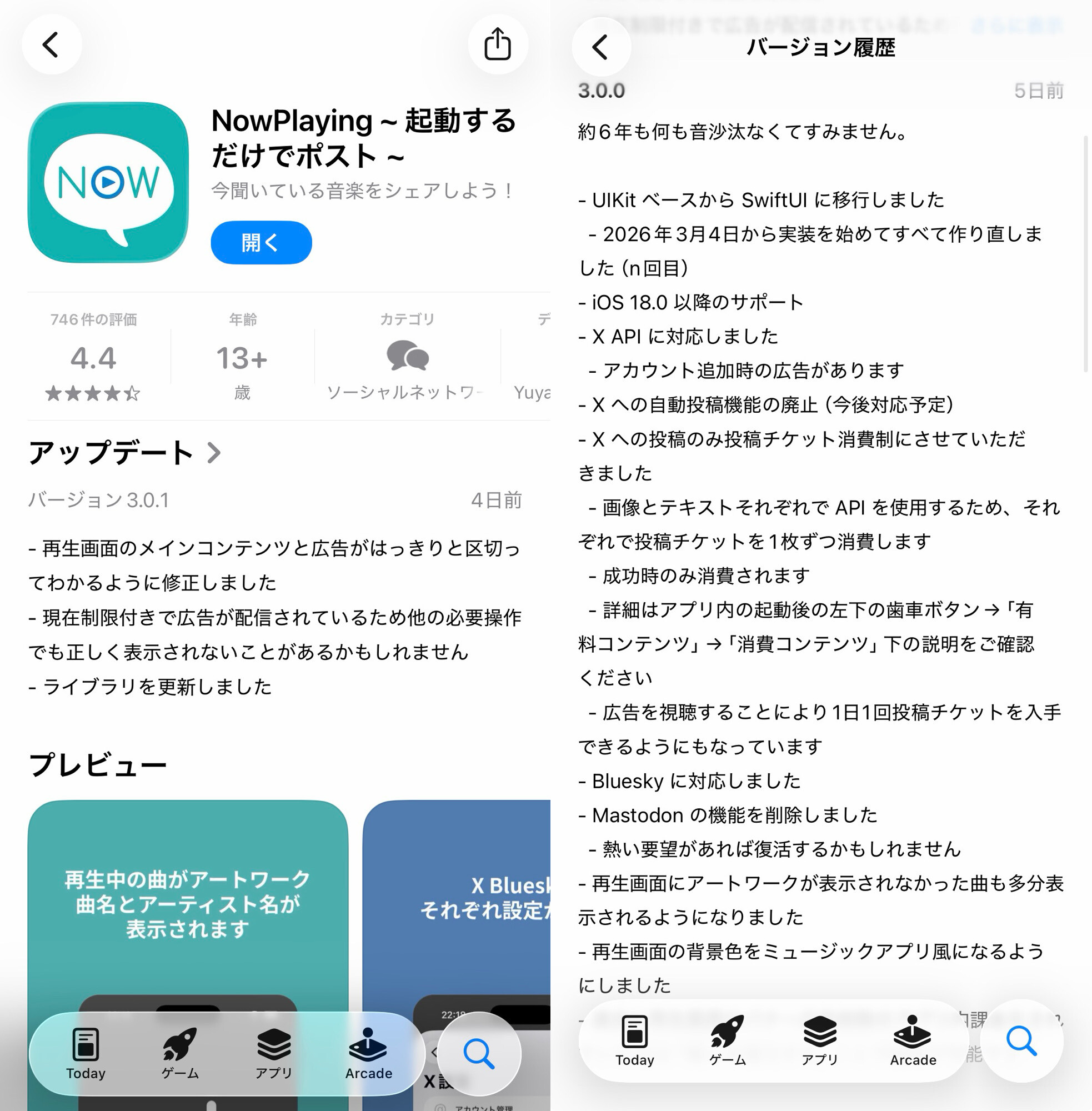
-nilog: よく使っていた NowPlaying アプリが Mastodon 非対応になってしまった(ノД`) まあたくさんのプラットフォームに対応するのは大変だよね。。。 (2026-04-07)
--http://www.nilab.info/nilog/?type=fedibird&id=116362367726517240
--
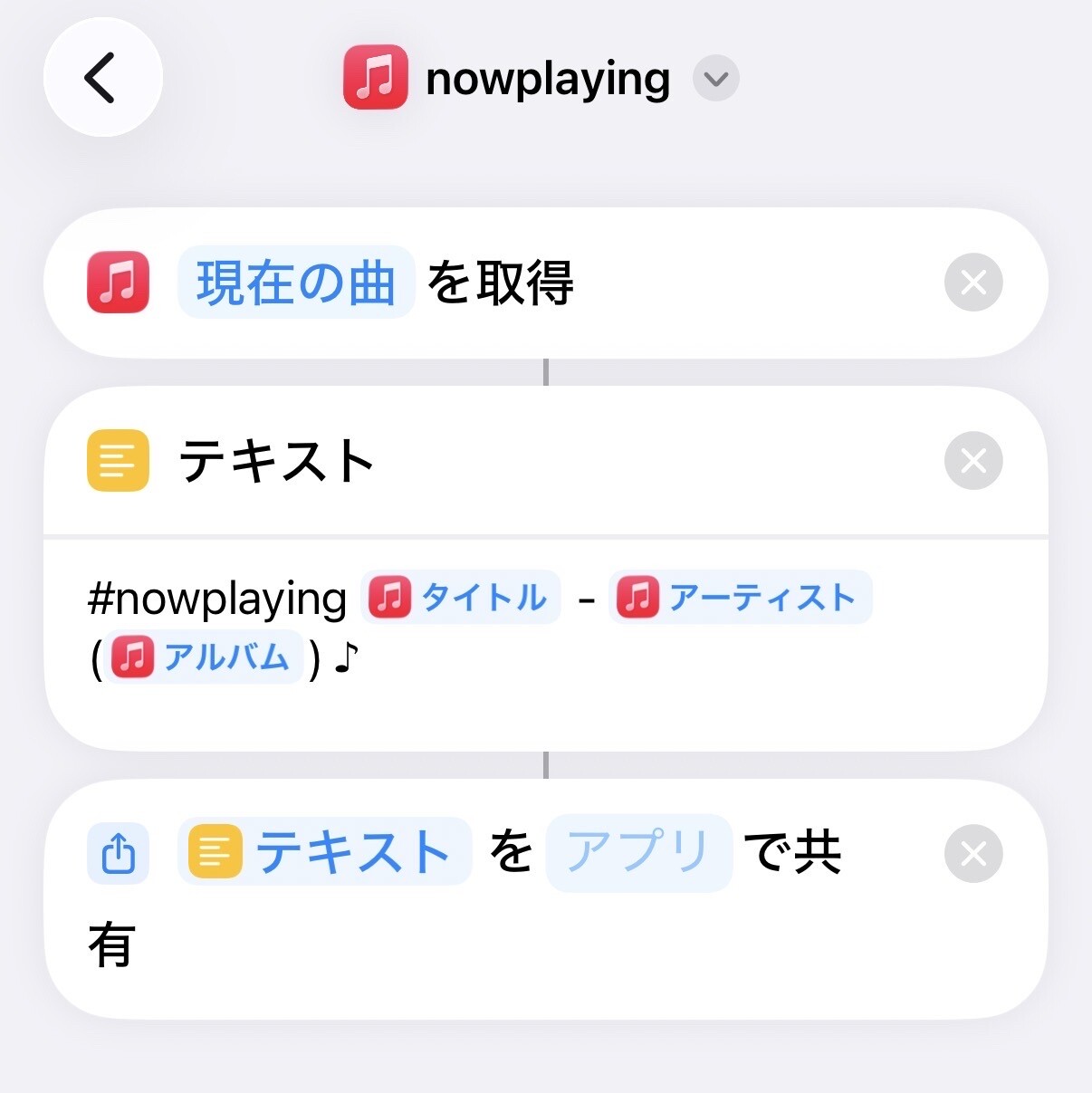
-nilog: iPhone iOS のショートカット機能で #nowplaying 機能を作ってみた。テキストを作って好きなアプリにシェア機能でテキストを渡せる。アートワーク画像の投稿はできないけど。 (2026-04-07)
--http://www.nilab.info/nilog/?type=fedibird&id=116362465011662706
--
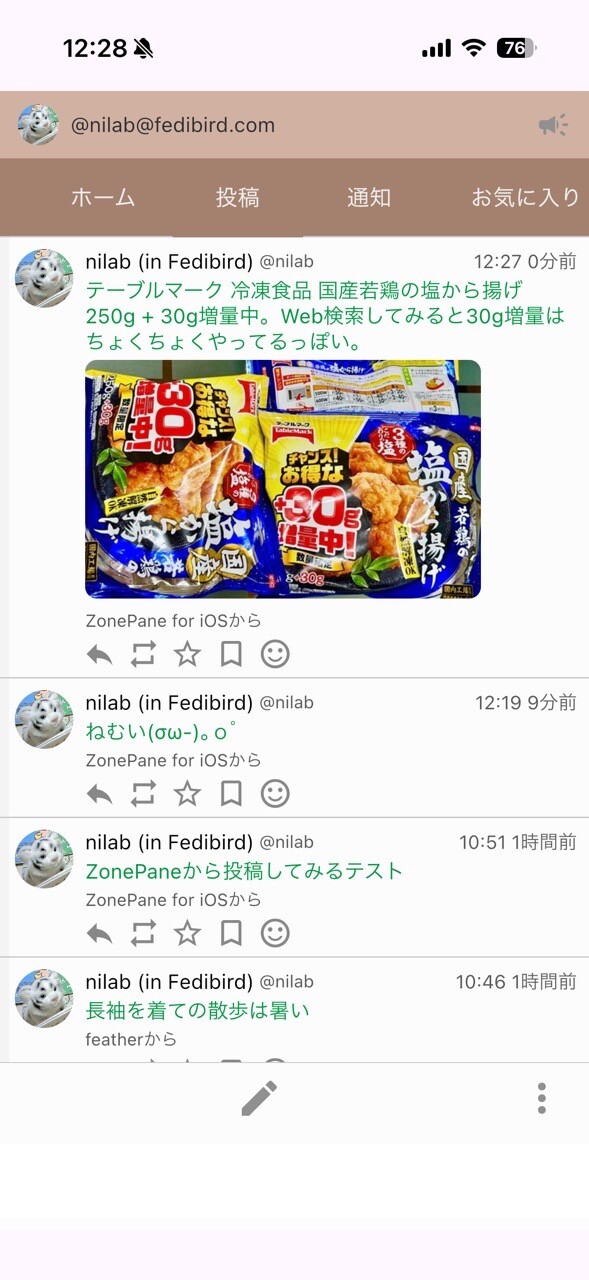
-nilog: しばらく ZonePane (ぞーぺん) をメインに使ってみる。 (2026-05-15)
--http://www.nilab.info/nilog/?type=fedibird&id=116576474652130837
--
情報
-Mastodon documentation
--https://docs.joinmastodon.org/
-Mastodon documentation (日本語訳)
--https://docs.joinmastodon.org/ja/
-Mastodon API
--http://www.nilab.info/wiki/Mastodon_API.html
-SNS (Social Networking Service)
--http://www.nilab.info/wiki/SNS.html